Your posts are going out, your Stories look normal, but engagement has dropped to a fraction of what it was. No notification. No warning. No explanation from Instagram. This is what a shadowban feels like from the inside — and it affects far more accounts than most people realize.
Here's how to test whether your account is currently shadowbanned, what signals to look for, and what actually causes suppression in the first place.
What a Shadowban Actually Is
Instagram doesn't officially call it a shadowban, and they've never confirmed it as a formal system. What they do confirm is that accounts can experience reduced content distribution based on account health signals, guideline violations, and behavioral patterns. The practical effect is that your content stops appearing in hashtag feeds, Explore, Reels recommendations, or the feeds of non-followers — sometimes all of the above at once.
The defining characteristic: you can still post, your followers can still see your content if they visit your profile, but organic reach to new audiences drops to near zero.
Test 1: Hashtag Visibility Check
This is the most reliable manual test available:
1. Post an image or Reel with a niche hashtag — something with under 50,000 posts where you can actually find your content
2. Ask 3-5 people who don't follow you to search that hashtag and look for your post
3. If followers can see it but non-followers cannot find it in the hashtag feed, you're likely shadowbanned
Why niche hashtags? In a hashtag with 10 million posts, your content being absent is normal (it may simply not be shown in top results). In a hashtag with 10,000 posts, recent content is surfaced reliably — if yours isn't there, that's a meaningful signal.
Important: do this test within 30 minutes of posting. Instagram's hashtag display has its own delays and your content may appear, then disappear. Catching it at multiple time points gives you better data.
Test 2: Reach Source Analysis
Go to Instagram Insights → Content → any recent post → View Insights → scroll to Reach by Source.
In a healthy account, reach typically breaks down roughly as:
• Home: 40-60% (your existing followers)
• Hashtags: 10-25% for image posts
• Explore: 5-20% depending on content type
• Reels tab / Recommended: significant percentage for video
A shadowbanned account shows the following pattern: Home reach stays relatively stable (your followers still see you), but Hashtag reach drops to near zero and Explore reach collapses. If your breakdown suddenly shows 90%+ Home with minimal external sources, that's a strong suppression signal.
Test 3: Account vs. Content Restriction
There are two distinct types of suppression and they have different causes and solutions:
Account-level restriction: affects everything you post. Usually caused by violating community guidelines, receiving multiple reports, using banned hashtags repeatedly, or triggering spam detection through rapid follows/unfollows.
Content-level restriction: affects specific posts. Usually caused by flagged keywords in captions, specific hashtags on that post, or the content itself triggering automated review.
To distinguish: compare reach sources on posts from before the suspected shadowban with posts from after. If all posts show the same suppression pattern, it's account-level. If only certain posts are affected, it's content-level.
What Triggers Suppression
Instagram's automated systems flag accounts based on behavioral signals:
• Automation detection: rapid action patterns that look like bots — following hundreds of accounts per hour, leaving identical comments across many posts, mass-liking in short time windows
• Community guideline violations: reported posts, posts that were reviewed and removed, repeated minor violations that accumulate
• Hashtag violations: using hashtags that are banned or temporarily restricted. Even one banned hashtag in a post can suppress that post's distribution
• Third-party app access: apps that access your account via unofficial API methods can trigger security flags. Instagram tracks which tokens are used to interact with your account
• Sudden behavior changes: an account that normally posts twice a week suddenly posting 15 times in two days looks anomalous to automated systems
How to Recover
There's no instant fix, and anyone selling you a "shadowban removal service" is scamming you. Recovery involves removing the cause and demonstrating normal account behavior:
4. Audit your hashtag lists — check each one by searching it in Instagram. If a hashtag shows "Recent posts are hidden" or the top posts page looks abnormally thin, stop using it
5. Revoke access for third-party apps through Instagram Settings → Security → Apps and Websites → Remove anything you don't actively need
6. Stop all aggressive growth tactics for at least 2 weeks — no mass following, no automation, post at normal frequency
7. If you received a guideline violation notification, review and appeal if warranted. Violations affect your account's standing score
8. Post consistently at reduced volume and monitor reach source distribution over 2-3 weeks
Recovery timelines vary. Minor content-level restrictions often resolve within 7-14 days of removing the trigger. Account-level restrictions from repeated violations can take 30-90 days of clean behavior.
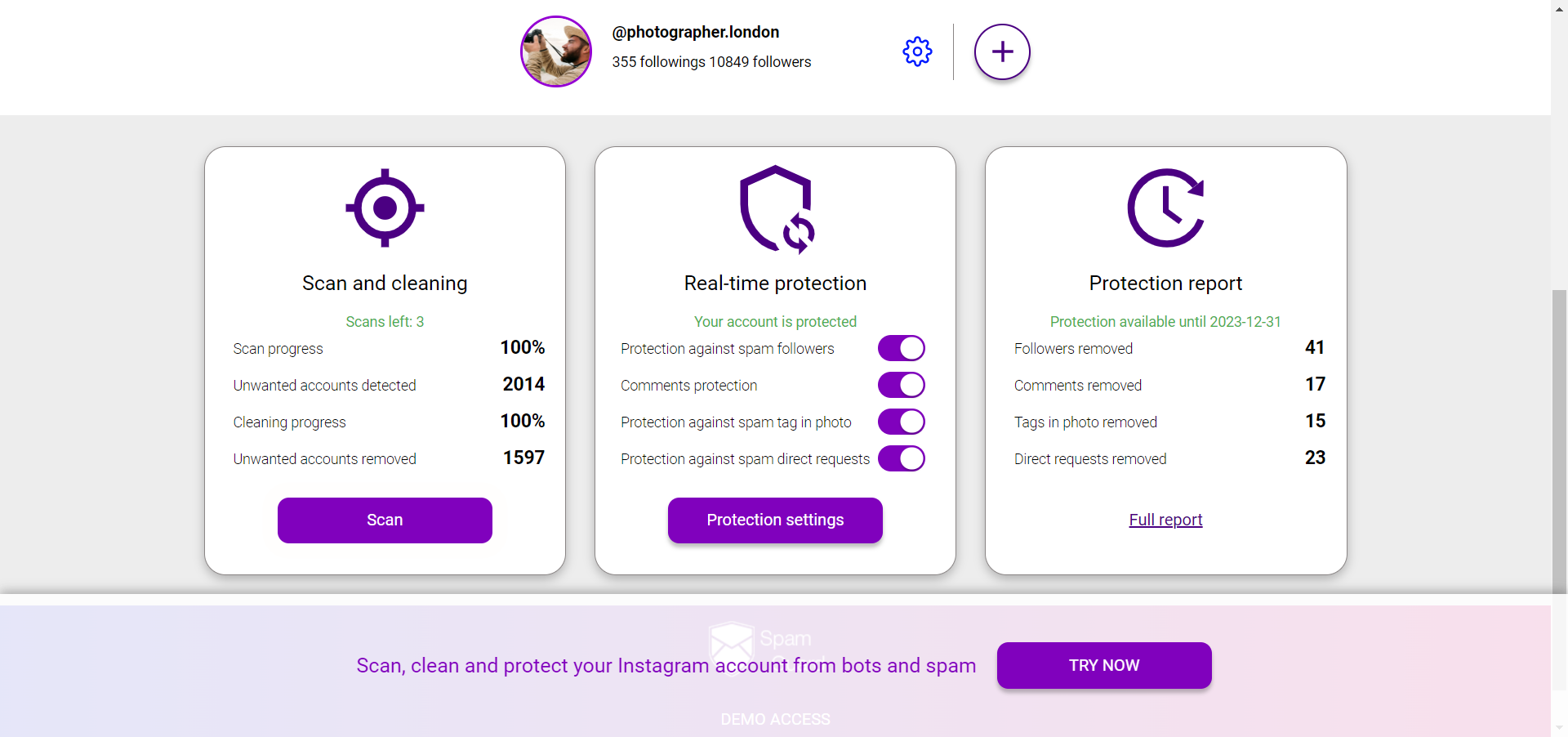
Keeping your follower list clean matters too — accounts flagged as bots or fake interact with your content in ways that can lower your engagement quality score. SpamGuardidentifies which of your followers are bots, mass-followers, or inactive ghosts so you can remove the accounts that signal low-quality audience to Instagram's systems.