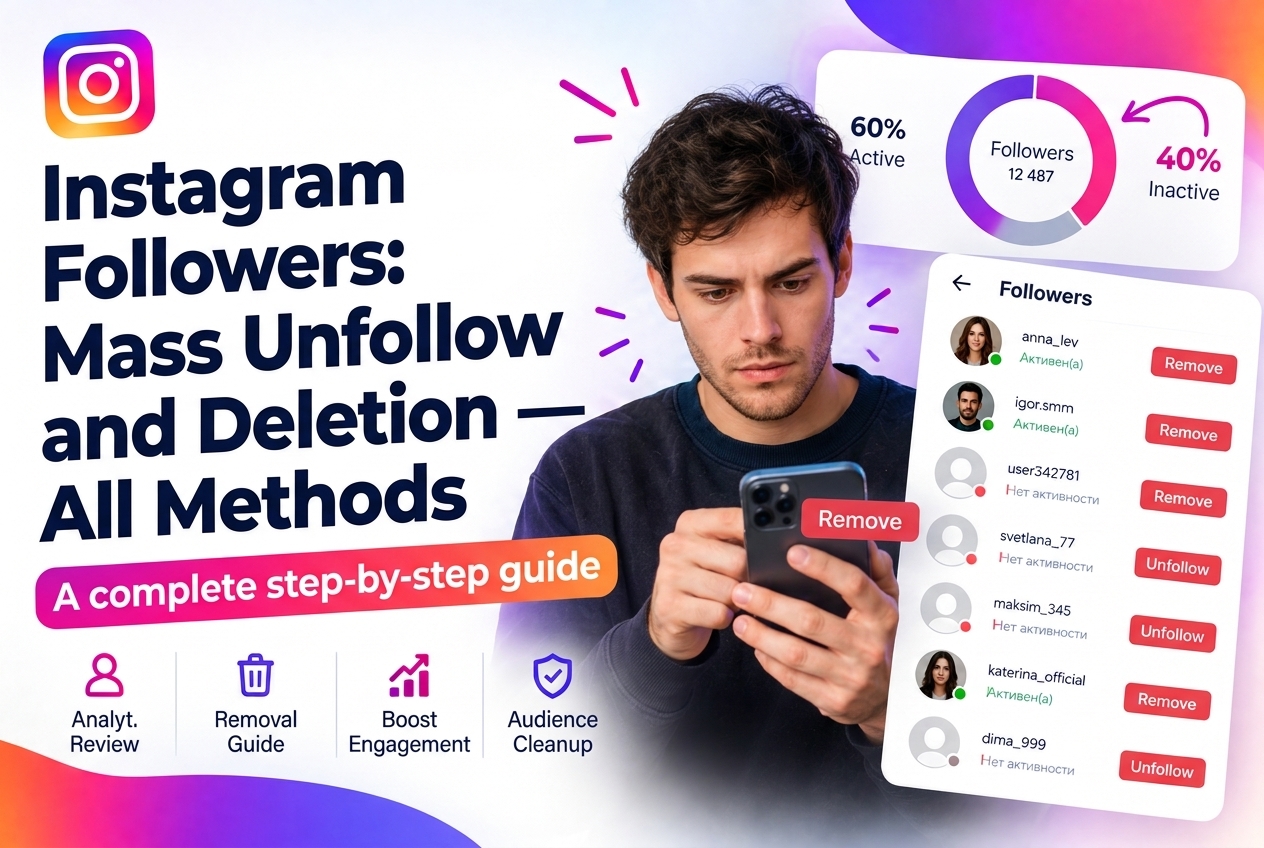
Managing your follower list on Instagram isn't just about aesthetics — it directly affects your engagement rate, algorithmic reach, and account health. This guide covers every method available for removing followers in 2026, from Instagram's native tools to third-party solutions, and explains when to use each.
Why Removing Followers Matters
Your engagement rate is calculated as interactions divided by followers. 10,000 followers with 200 likes per post gives you a 2% ER; 6,000 active followers with the same 200 likes gives you 3.3%. A cleaner, more engaged audience improves every metric that matters.
Beyond the math, ghost followers — accounts that never interact — send negative signals to Instagram's algorithm. The algorithm infers that your content doesn't resonate with your audience, which suppresses distribution to new users.
Common reasons to remove followers:
Method 1: Native Instagram Removal (One by One)
Instagram added a native follower removal feature in 2022. To remove a follower without blocking them:
The removed account is not notified. They can follow you again freely. This method works well for occasional cleanup but is impractical at scale — removing 500 followers manually takes hours.
Method 2: Block and Unblock
Blocking someone removes them as a follower. Unblocking immediately after restores their ability to follow you again, but they are no longer following. This is the oldest manual method and still works, though it's slower than native removal and slightly more invasive (technically, the account is blocked for a moment).
Method 3: Switching to a Private Account
Setting your account to private doesn't remove followers, but it gives you a visible list you can work through to manually remove people. Some users combine this with a temporary private setting during cleanup to prevent new followers from arriving while they audit existing ones.
Method 4: Third-Party Audit and Cleanup Tools
For mass removal — cleaning up thousands of ghost followers or bots — third-party tools provide the only practical solution.
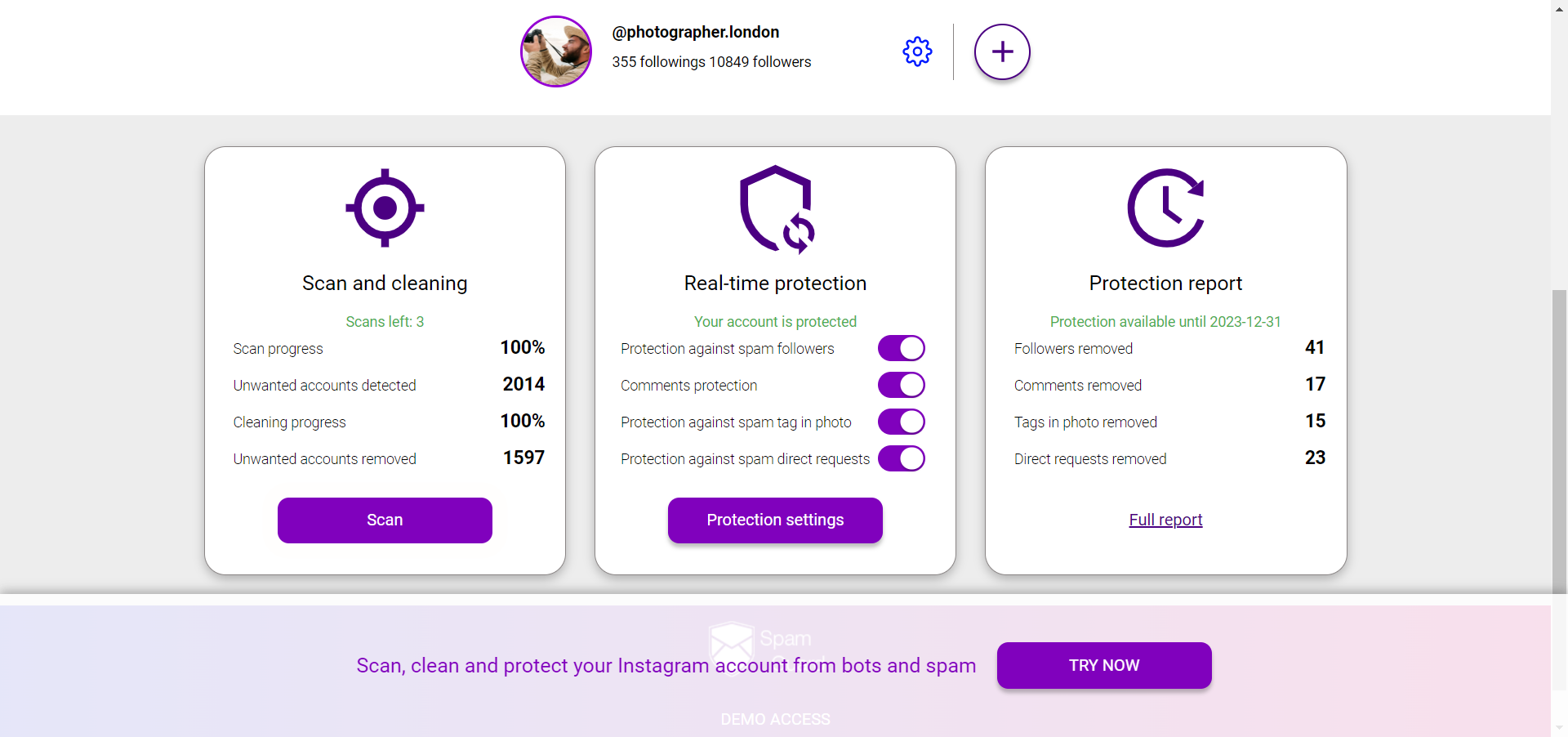
SpamGuard identifies ghost followers, bots, and suspicious accounts through behavioral analysis, not just follow counts. It flags accounts that have never liked, commented, or viewed your Stories, as well as accounts with classic bot characteristics (no avatar, no posts, follow thousands of people).
The key advantage of an audit-first approach: you see a categorized breakdown before removing anything. You can review which accounts are flagged as bots vs. which are just inactive real accounts, and decide what to remove.
Safe removal rates: Instagram imposes limits on follower removal actions, just like on follows and unfollows. Staying within 150-200 actions per day avoids triggering restrictions. Automated tools with built-in rate limiting handle this automatically.
Method 5: Mass Unfollow (Removing Who You Follow, Not Who Follows You)
This is a distinct operation — removing accounts you follow rather than who follows you. The same tools handle it, and the same rate limits apply. Relevant if you've accumulated thousands of follows from a previous massfollowing strategy and want to clean up your following-to-followers ratio.
What Happens After Cleanup
Typical results after removing 20-40% of a follower list (replacing ghost followers with none):
The dip happens because absolute follower count drops. Don't be alarmed by it — the trend reverses as the algorithm learns your cleaned audience actually engages.
What to Avoid
For follower audits and identifying which accounts are actually bots vs. inactive real users: SpamGuard.