Your Instagram profile is the first thing a potential follower sees after discovering your content. In the two to four seconds before they decide to follow or leave, your profile does all the work. This guide covers every element of a well-optimized profile — from the technical basics to the strategic decisions that make the difference between a visitor who follows and one who does not.
Why Profile Optimization Matters More in 2026
Instagram's discovery mechanisms have expanded significantly. Reels reach non-followers, keyword search now surfaces content across the platform, and recommended posts appear in the main feed. This means more people encounter your account without already following you — and they land on your profile to decide.
The profile visit-to-follow conversion rate is the metric that ties all of this together. If you are getting profile visits from reach but not converting them, every piece of content you create is working harder than it needs to.
Username: Searchability First
Your username is your primary search identifier on Instagram. Optimization principles:
For businesses: the username should match your other social profiles for cross-platform consistency. Someone who finds you on LinkedIn and types your name into Instagram search should find you immediately.
Profile Name: Keywords Over Cleverness
The name field (the bold text under your photo) is searchable — this is different from the username. Use it strategically:
Profile Photo: Recognition and Quality
The profile photo appears everywhere your account does: comments, search results, DM list, stories ring. At small sizes it needs to be immediately recognizable.
Test your photo: look at it at thumbnail size (the size it appears in comments). If you cannot immediately recognize it, it needs work.
Bio: 150 Characters That Convert
The bio has 150 characters. Every word should earn its place. A converting bio answers three questions:
Common bio mistakes:
Bio formula that works: [What you do] + [For whom] + [Proof or hook] + [CTA with link]
Example: 'Instagram strategy for online stores | Grew 3 accounts from 0 to 50K | Free audit in link below'
Link in Bio: One Clear Destination
Instagram allows one clickable link in the bio (plus links in stories for professional accounts). Use it intentionally:
Story Highlights: Your Permanent Storefront
Highlights sit permanently on your profile below the bio and above the grid. They are often the second thing visitors look at after the bio. Structure them as navigation:
Update highlights quarterly. An 'About' highlight from 2023 with outdated information actively hurts conversion.
Grid: The Visual First Impression
When someone visits your profile, they see your 9 most recent posts before they scroll. This first grid view is a visual snapshot of your brand. Considerations:
Audience Quality: The Hidden Profile Factor
A profile with 10,000 followers but 200 average likes looks worse to a visiting human than a profile with 3,000 followers and 400 average likes. Low engagement relative to follower count is immediately visible to anyone who looks.
Bot followers, inactive accounts, and spam followers suppress your visible engagement rate and make your profile appear less credible. Regular audience cleaning keeps your profile metrics honest.
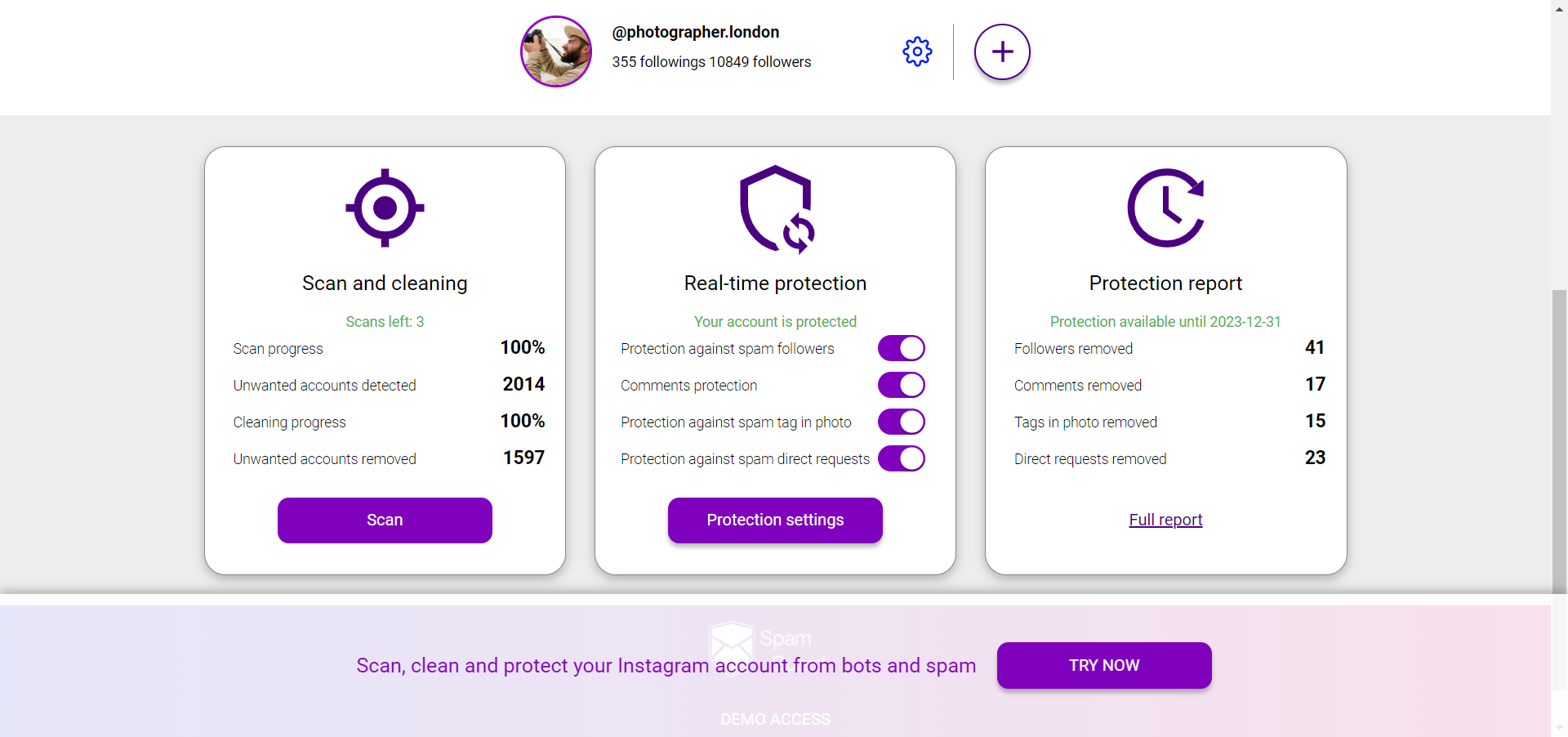
SpamGuard continuously monitors your Instagram account and removes bot followers and spam accounts automatically, so your follower count reflects real people who could actually engage with your content. A clean audience makes your profile metrics credible to both potential followers and potential partners. Start cleaning your Instagram audience with SpamGuard
Profile Audit Checklist
Run through this every 90 days:
Keep your Instagram profile audience clean and your metrics credible with SpamGuard