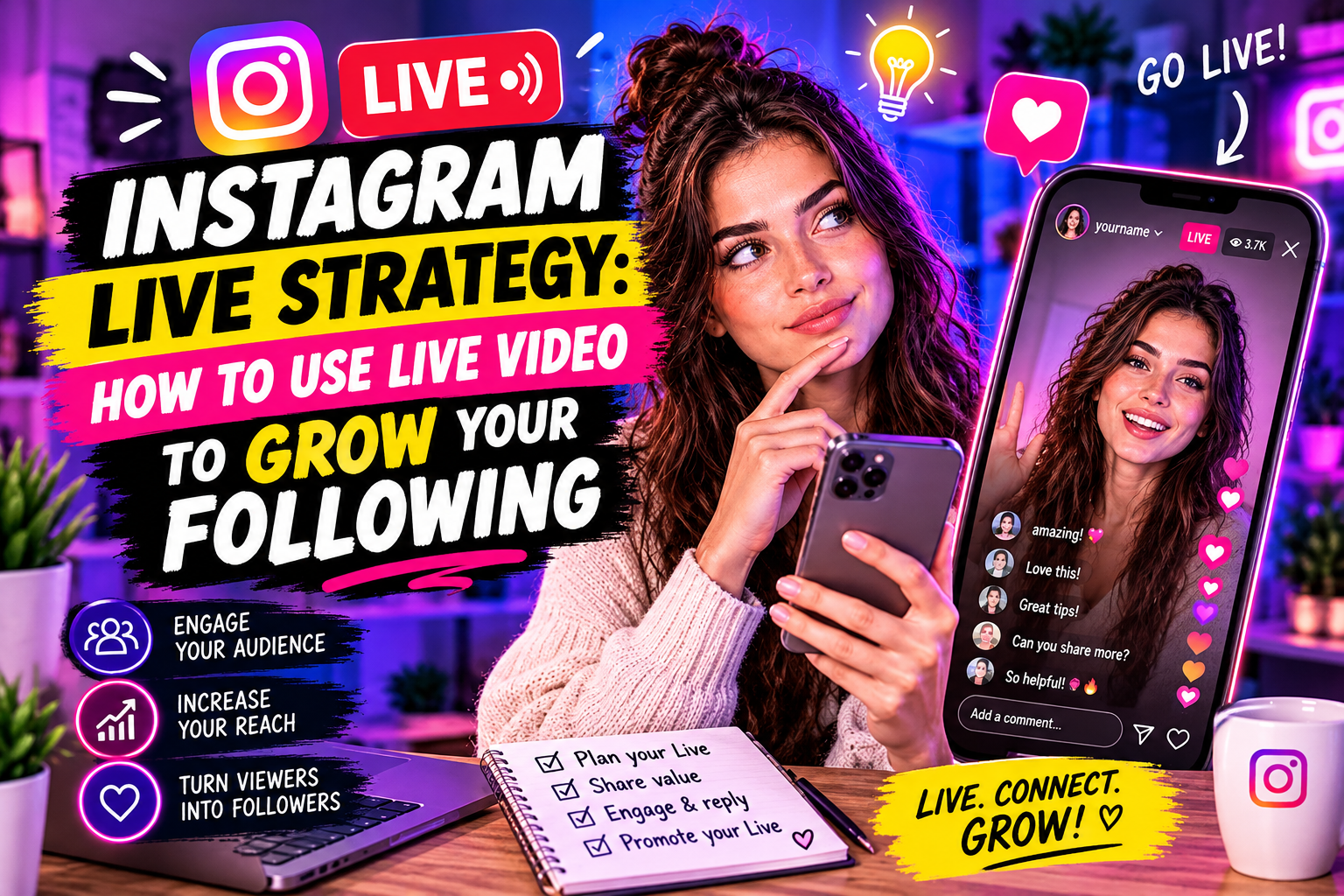
Instagram Live is one of the few remaining formats in Instagram that gets preferential algorithmic treatment. Live videos appear at the front of Stories, followers get push notifications, and the engagement generated during and after a Live session signals Instagram's algorithm to increase organic reach. For accounts looking to grow in 2026, ignoring Live means leaving one of the most effective free tools unused.
Why Live Works for Growth
Instagram Live creates several dynamics that pre-recorded content cannot replicate:
Algorithm priority: Instagram pushes your Live to the front of followers' Stories bars and sends notifications to recent engagers. This is a push mechanic — you're being delivered to people rather than waiting to be found.
Real-time engagement signals: comments, reactions, and shares during a Live session register as high-weight signals. A 30-minute Live with active comments can outperform a week of regular posts in algorithmic visibility.
Authenticity premium: audiences respond to unscripted content differently than to polished posts. Live builds parasocial connection faster than any other format — viewers feel they know you after one session in a way that takes months through regular posts.
Replay value: Live videos can be saved and shared as Reels or posted to your grid, extending the reach of one session across multiple formats.
Pre-Live Setup: What to Do Before You Go Live
The difference between a Live that grows an account and one that doesn't is almost entirely in the preparation:
Announce 24–48 hours in advance: post a Story and a feed post announcing the Live. Include the topic, date, and time. People who miss the notification can plan ahead.
Define a specific topic: «I'm going live» performs worse than «I'm going live to answer your questions about X» or «I'm going live to show how I do Y step by step». Specific topics attract the right audience and filter out low-engagement viewers.
Set a duration: 20–45 minutes is the sweet spot. Under 15 minutes doesn't build momentum; over 60 minutes sees significant drop-off unless you have an established community.
Prepare a loose structure: not a script, but three to five topics or questions you'll cover. This prevents awkward silences and keeps the Live moving.
During the Live: Tactics That Drive Engagement
Active engagement during the Live directly affects how many new people Instagram pushes it to:
• Pin a question or prompt at the start: «type your city» or «write your biggest struggle with X» — this floods comments immediately and signals activity to the algorithm
• Read and respond to comments by name — this creates a loop where viewers comment more hoping to be noticed
• Ask a specific question every 7–10 minutes to re-activate viewers who have gone passive
• Mention latecomers: «welcome to everyone just joining» keeps the experience fresh for new arrivals
• Add a co-host or guest — Lives with two people consistently outperform solo Lives in watch time and comments
Post-Live: How to Extend the Reach
The 24 hours after a Live are as important as the Live itself:
Save and share the replay: Lives can be shared to IGTV or repurposed as Reels. A 30-second highlight from a Live often performs better as a Reel than standalone Reels content.
Post a recap Story: «here's what we covered» with a swipe-up or link drives people who missed it to the replay.
Follow up with engaging commenters: people who actively commented during the Live are your warmest audience. A DM or Story mention of them deepens the connection.
How Often to Go Live
Consistency matters more than frequency. One well-announced, topic-focused Live per week builds more audience than three unannounced, unstructured ones. For most accounts:
• 1–2 Lives per week: sustainable and effective for accounts under 10K
• 3–4 Lives per week: appropriate for accounts actively using Live as a primary growth strategy
• Daily Lives: viable only with strong systems and established audience — without those, quality drops and so does attendance
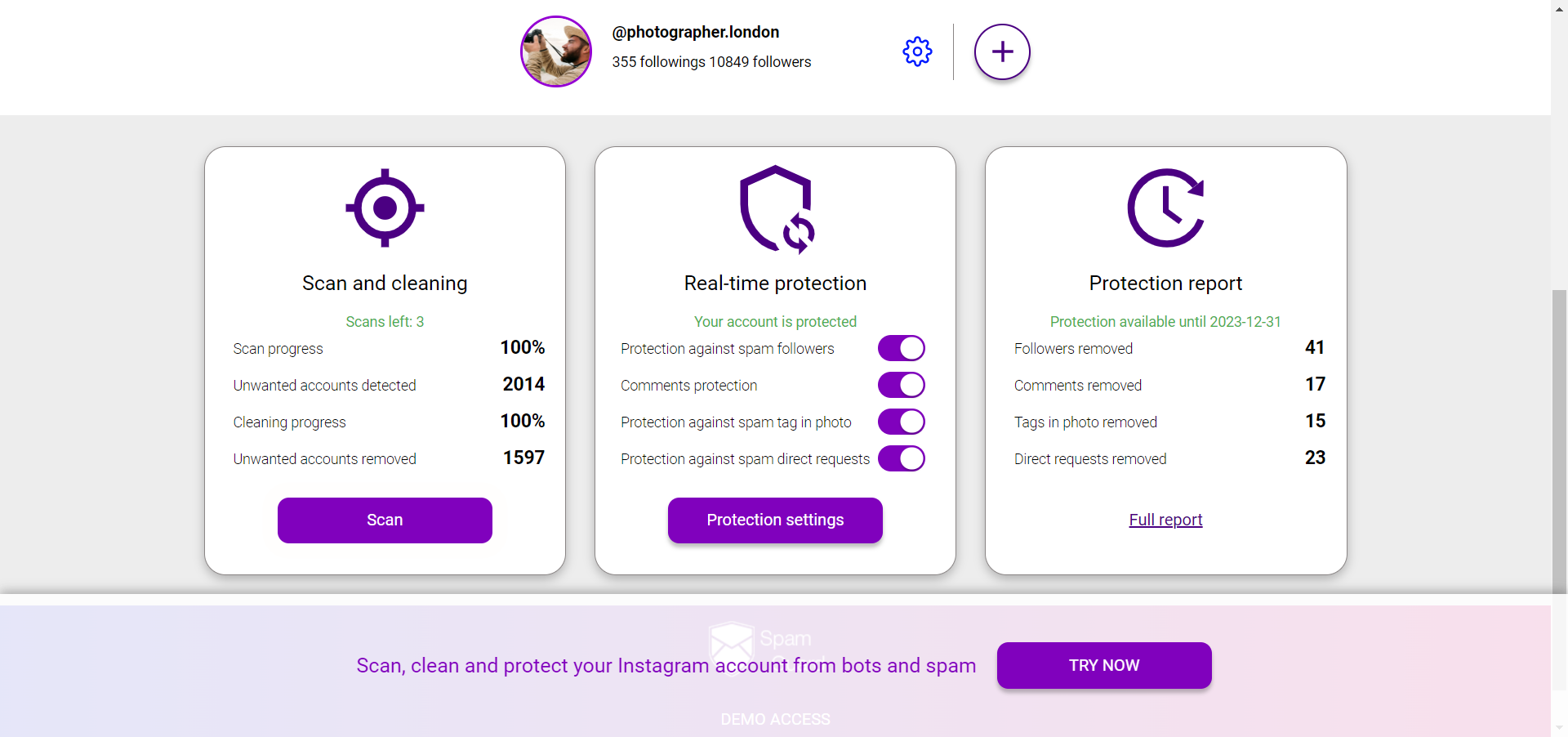
For protecting your account from spam and fake engagement that distorts your Live analytics — SpamGuard.