Instagram Stories disappear after 24 hours. Highlights don't. This makes Highlights the only part of an Instagram profile where you can place structured, permanent content that every new visitor will see. Used well, Highlights function as a landing page within Instagram — guiding new visitors, answering common questions, and converting profile visits into follows or actions. Used poorly, they're a cluttered archive that no one clicks.
What Highlights Actually Are (and Aren't)
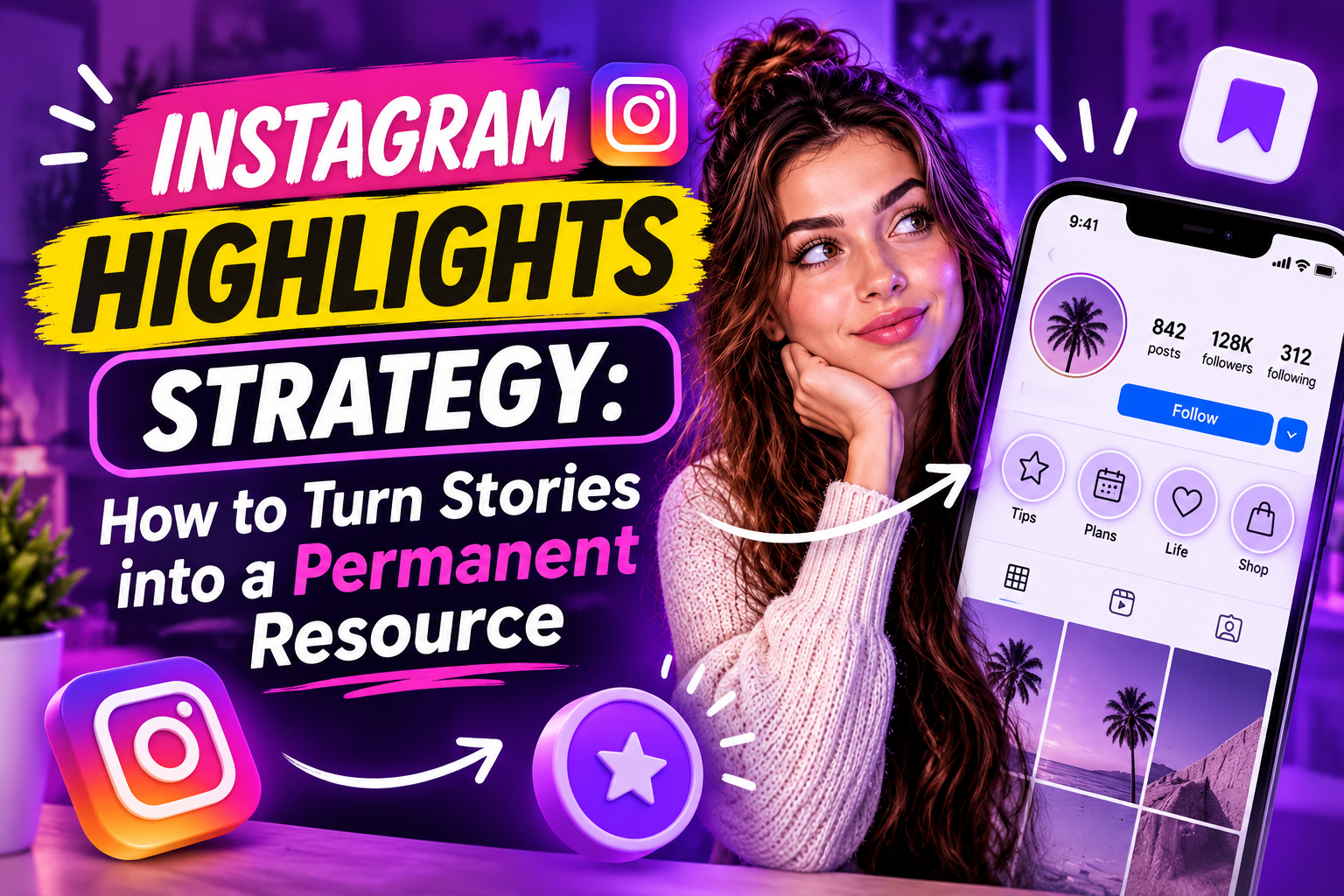
Highlights are collections of Stories saved to your profile permanently. They appear as circles below your bio and above your feed. Each Highlight has a cover image and a name, and can contain up to 100 Stories.
What they aren't: an archive. Saving every Story to Highlights defeats the purpose. The goal is curation — selecting specific Stories that serve a function for someone visiting your profile for the first time.
The critical insight: Highlights are almost always seen by people who don't yet follow you. Someone who already follows you will see your Stories in their feed. The person browsing your profile from a Reel, a hashtag, or a tag is a cold visitor deciding whether to follow. Highlights are for them.
The Five Highlights That Work
Different accounts need different sets, but five categories consistently perform:
About/Start here: a brief introduction to who you are, what you cover, and why someone should follow. 3–5 Stories maximum. This is the first Highlight most visitors will click.
Best content: your five to ten most-saved or most-engaged posts, reformatted as Stories. This shows new visitors your best work without requiring them to scroll through your grid.
FAQ/Common questions: the questions you answer repeatedly in DMs or comments. Each Story is one question and answer. This saves you time and shows visitors you understand their needs.
Results/Proof: screenshots, before/afters, testimonials, case studies — whatever serves as social proof in your niche. For product accounts: reviews and in-use photos. For service accounts: client results.
Current offer or link: what you're selling, offering, or directing people to right now. Keep this updated. An outdated offer Highlight is worse than none.
Highlight Covers: Why They Matter
The cover image is what visitors see before they click. A set of visually consistent covers — same color scheme, same icon style — signals that the account is professional and intentional. Inconsistent or screenshot-based covers signal the opposite.
Practical approach: use a single background color from your brand palette with a minimal white icon for each Highlight. This takes 20 minutes to set up in Canva and makes an immediate visual difference.
Cover names should be short — 1–2 words. «About me», «FAQ», «Results», «Shop», «Reviews». Long names get truncated on most screen sizes.
Structuring Stories Inside a Highlight
Once someone clicks a Highlight, the first Story should tell them what they're about to see. Not an artistic opening — a clear one. «Here's what's in this Highlight» or «These are the most common questions I get about X».
Each Story in the Highlight should stand alone — a visitor might swipe in halfway through. Avoid stories that only make sense in sequence without context.
The last Story in every Highlight should include a call to action: follow, DM, click link in bio, or watch another Highlight. Without a CTA, the visit ends without direction.
Maintaining Highlights Over Time
Highlights need occasional maintenance:
• Remove outdated content — especially offers, prices, or time-sensitive information that is no longer accurate
• Add new best-performing Stories to relevant Highlights — especially FAQ and Results which should grow over time
• Review covers annually — visual consistency matters, and what looked good a year ago may now look dated
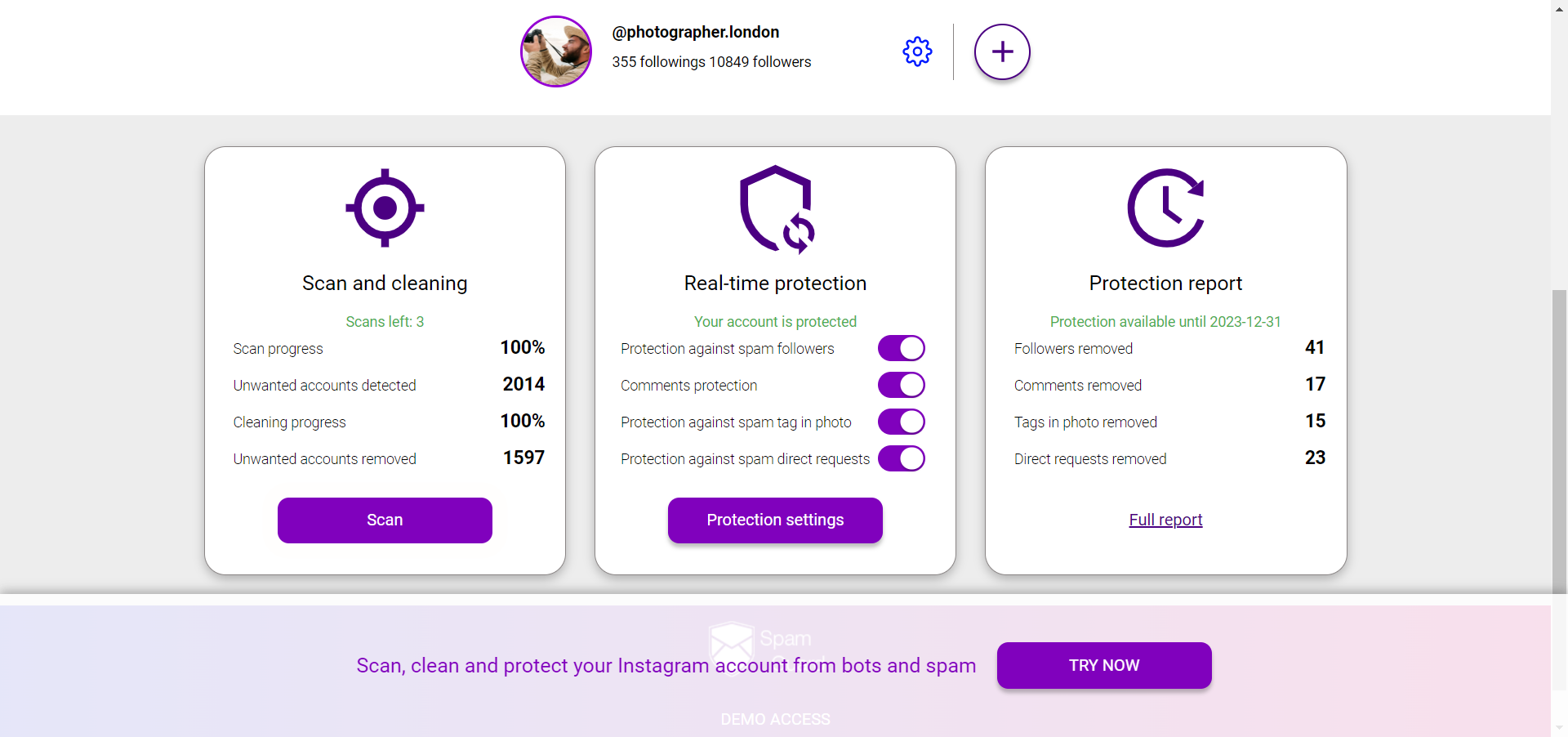
For protecting your account from spam that can affect your profile's credibility with new visitors — SpamGuard.