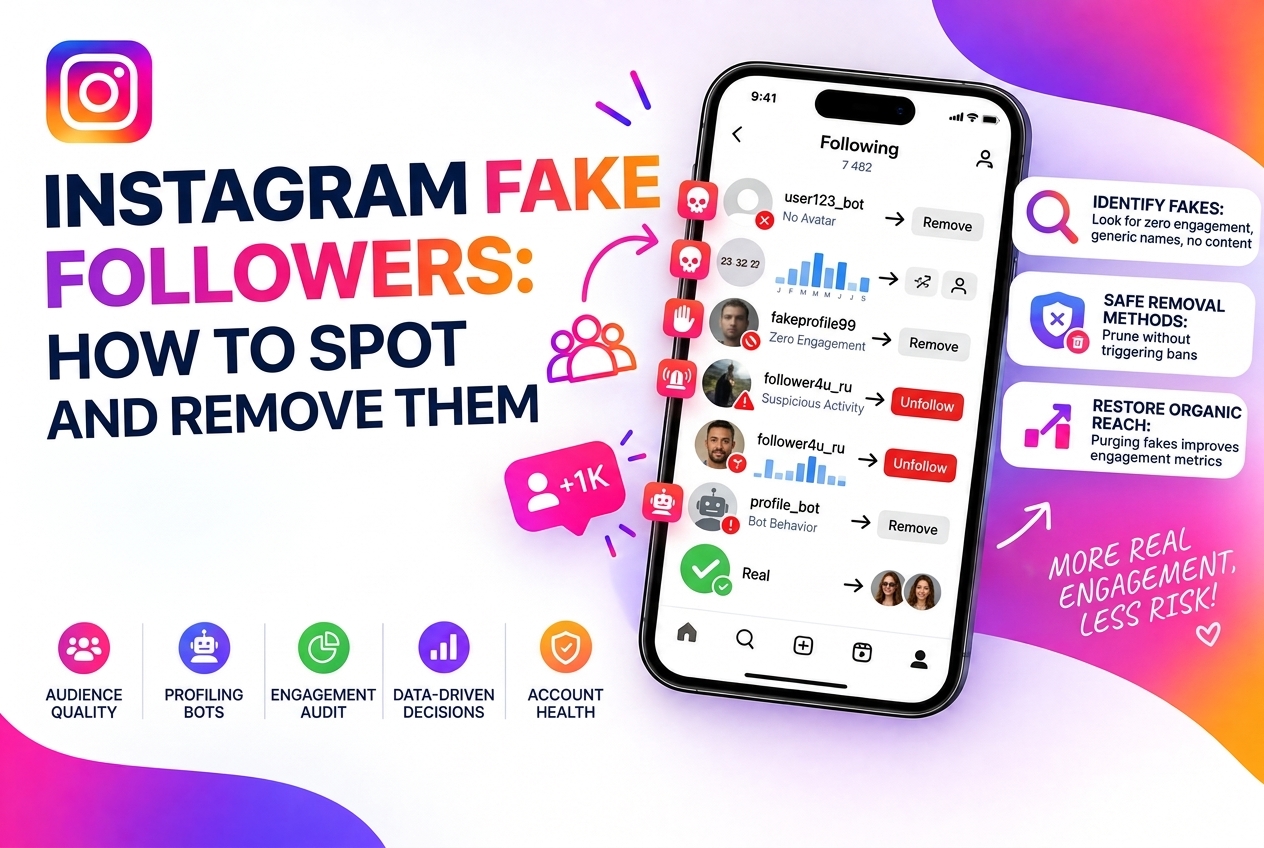
Fake followers are one of the most persistent problems in Instagram growth. Whether you picked them up through past automation, bought them at some point, or attracted them organically through viral content, they sit in your audience doing nothing — worse than nothing, actually, because they actively suppress your engagement rate and reduce the reach of every post you publish.
This guide covers how to identify fake followers, what their presence actually costs you, and how to remove them systematically without damaging your real audience.
What Are Fake Followers?
The term "fake followers" covers several distinct categories:
All four categories hurt you in the same way: they receive your posts in their feed and produce zero engagement, dragging down your engagement rate.
How to Spot Fake Followers Manually
Manual inspection is slow but reveals patterns. Look for these signals:
A rough manual audit: go to your followers list, sort by most recent, and scroll through the newest 100-200. New fake followers are often added in batches and will cluster together. If you see 20 accounts in a row that match the patterns above, you have an active fake follower problem.
What Fake Followers Cost You
The math is straightforward but often underestimated. Say you have 10,000 followers and 3,000 are fake or inactive. Your real audience is 7,000.
When you post, Instagram initially distributes it to a sample of your followers. If 30% of those are non-responsive (no likes, no saves, no shares), your engagement rate drops — and Instagram's algorithm interprets low engagement as a signal to reduce your reach further.
You're not just carrying dead weight. You're actively paying a penalty on every post because the algorithm thinks your content isn't resonating. The fake followers you have now are suppressing the reach of every piece of content you'll publish in the future.
Additionally, if you're working with brands or selling anything that depends on your audience metrics, fake followers are a liability. Sophisticated buyers can spot inflated follower counts, and the discrepancy between your follower count and engagement rate is immediately obvious.
Automated Detection: What to Look For in a Tool
Manual auditing can identify obvious fakes but misses the subtler cases — dormant real accounts, low-quality mass-follow bots that have some content, and the gray zone between "probably fake" and "definitely fake".
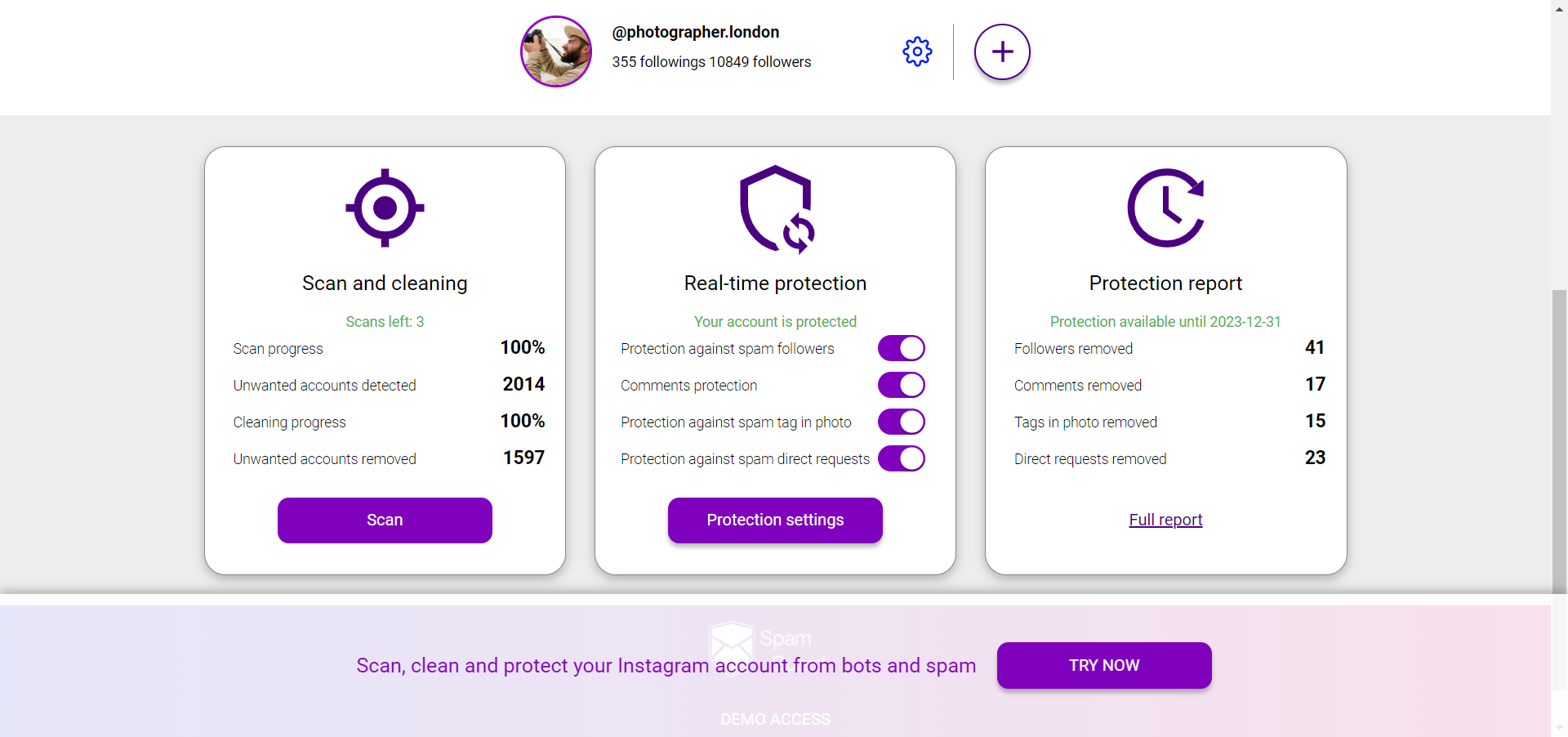
A dedicated tool like SpamGuard scans your entire follower list against multiple signals simultaneously: account age, activity history, follow/follower ratio, engagement patterns, and cross-referenced behavioral data. The result is a categorized breakdown of your audience — real followers, bots, ghosts, suspicious accounts — with confidence levels for each category.
How to Remove Fake Followers
Instagram allows you to remove followers from your account without blocking them. The person is removed from your followers list but is not notified.
To remove a follower manually: go to their profile → tap the three dots → "Remove follower". This works, but doing it account-by-account across thousands of fake followers isn't practical.
SpamGuard automates this process: after identifying fake and inactive followers, it removes them in batches while staying within Instagram's rate limits to avoid triggering spam detection. The removal process happens gradually over days or weeks depending on how many accounts need removing, keeping your account safe throughout.
What to Expect After Removing Fake Followers
Your follower count will drop. This feels uncomfortable, but the numbers that matter improve:
Most accounts see engagement rate improvements of 30-80% after a serious cleanup, depending on how inflated the fake follower percentage was.
Preventing Fake Followers from Accumulating