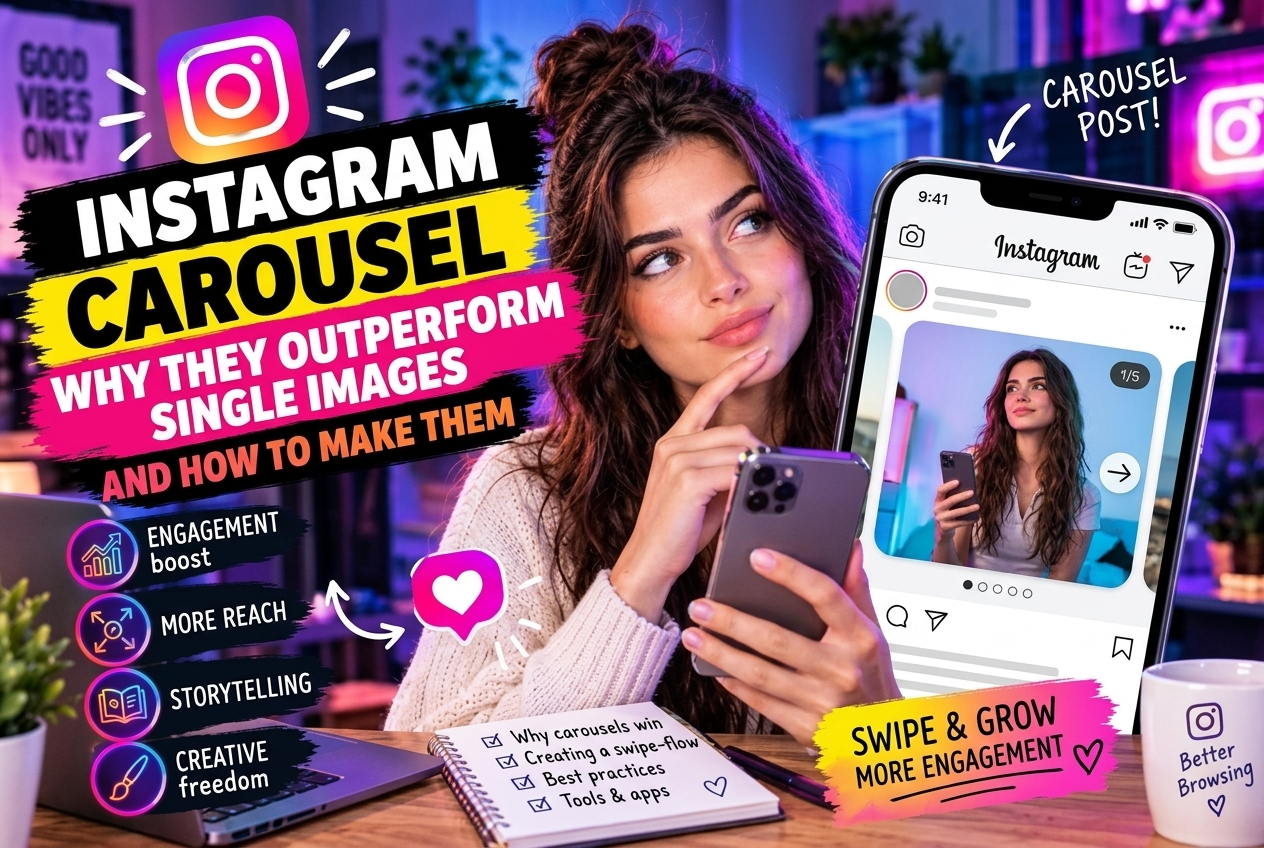
Carousel posts — multiple images or slides swiped through in sequence — consistently outperform single-image posts on nearly every metric that matters for organic growth. This isn't a minor difference: carousels typically generate 2–3x more saves, higher comment rates, and significantly more reach per post. Understanding why this happens, and how to structure carousels that perform, is one of the highest-leverage improvements available to any Instagram account.
Why Carousels Outperform: The Algorithm Mechanics
Two algorithmic advantages explain most of the performance gap:
Second-chance distribution: Instagram gives carousel posts a second opportunity at distribution. If a user scrolls past the post without interacting, the algorithm may show them the second slide on a later visit — essentially giving the post two attempts to generate engagement. Single images get one chance.
Time-on-post signal: a user who swipes through 7 slides spends significantly more time on a single post than someone who glances at a photo. Time spent is a strong engagement signal. Carousels structurally generate more time-on-content than single images.
Saves and shares are the strongest explicit engagement signals for feed posts. Carousels that deliver genuine value — educational content, checklists, step-by-step guides, before/after sequences — generate saves at 3–5x the rate of single images because there is content worth returning to.
Formats That Work
Educational carousels (most saves): «5 things you're doing wrong with X», «Step-by-step guide to Y», «The framework I use to Z». Each slide is one point, one concept, or one step. The viewer learns something they want to reference again — hence the save.
Before/after sequences: transformation content works naturally in carousel format. Slide 1: the problem or starting point. Slide 2–N: the process or journey. Final slide: the result. Visual contrast between slides one and last drives swipe-through rates.
Listicles as slides: «10 tools I use every day» with one item per slide. Easy to consume, easy to save as a reference, easy to share with someone who would find it useful.
Story carousels: narrative content told across slides. Personal story, case study, or opinion piece broken into chapters. Each slide should end with a reason to swipe to the next.
Structural Rules That Improve Performance
Slide 1 is the hook: it must work as a standalone preview in the feed. It needs to create enough curiosity or promise enough value that someone stops and swipes. Everything else depends on this slide performing.
Slide 2 is the highest-read slide: users who swipe once are still evaluating. Slide 2 needs to deliver on the hook's promise immediately — this is where most people decide whether to continue.
Last slide always has a CTA: save for reference, follow for more, share with someone who needs this, link in bio. Users who reach the final slide are your most engaged viewers.
7–10 slides is the sweet spot for educational content: enough depth to provide real value, short enough to be consumed in one session. Shorter carousels (3–4 slides) work for simpler content; longer ones risk drop-off.
Protecting Your Carousel Data
Saves are the best performance signal for carousel content. Fake followers who inflate save counts while generating no genuine traffic distort your ability to identify which carousel formats actually work. SpamGuard removes fake accounts from your follower base so your engagement data reflects real audience behavior.