Your Instagram bio has one job: convert profile visitors into followers. Every person who clicks on your profile from a post, a Reel, a search result, or a mention is a potential follower — and the bio is what either captures them or lets them leave. Most accounts treat the bio as an afterthought. This guide treats it as a conversion element and walks through what actually works, with specific examples.
The Conversion Logic of an Instagram Bio
When someone lands on your profile, they're running a rapid subconscious evaluation: 'Is this account for me? Is it worth following? What will I get if I follow?' They make this decision in roughly 3-5 seconds. The bio has to answer all three questions in that window.
The fundamental mistake most accounts make: describing what they do rather than what the visitor gets. 'Digital marketing specialist | 5 years experience | based in London' is a resume line. It describes you. It doesn't answer the visitor's question of 'what's in it for me?'
A bio that converts answers: who this is for, what they'll get, and why now (or why this account specifically).
The Four Elements of a High-Converting Bio
1. The hook line (first line, most important).
The first line of your bio is visible without expanding and appears in search previews. It carries the most weight. It should communicate your unique value proposition in one line — what you do that's specific and worth following.
Weak: 'Content creator and marketing consultant'
Stronger: 'I help freelancers get clients through Instagram — no ads, no cold DMs'
The second example is specific (freelancers), promises an outcome (get clients), and differentiates (no ads, no cold DMs). A freelancer landing on the first profile has no reason to follow. A freelancer landing on the second immediately knows this is relevant to them.
2. The credibility signal.
One brief, specific piece of evidence that you know what you're talking about. This is not a resume — it's social proof in the fastest format. Numbers work well because they're specific and hard to fake.
• 'Helped 200+ freelancers land their first client' — specific outcome, specific volume
• '3M+ views on content strategy Reels' — platform-native credibility
• 'Ex-Instagram partnerships team' — authority from source
The mistake: listing multiple credentials. Pick one strong signal. Listing five makes each one weaker.
3. The call to action with link direction.
Every bio should tell the visitor exactly what to do next. This means directing them to the link in bio (if you have one worth visiting) or directing them toward following with a reason to follow.
• '↓ Free guide: 5 posts that got me my first 1K followers'
• '↓ My content templates (free)'
• 'New posts every Tuesday — follow to not miss'
The arrow (↓) pointing to the link is a small but effective visual cue. Most visitors' eyes naturally drop to the link after reading the bio — the arrow reinforces that movement.
4. Keywords for discoverability.
Instagram's search function indexes the name field and the bio text. Including keywords that describe your niche improves your visibility in search. If someone searches 'content strategy' or 'freelance tips', accounts with those terms in their bio or name are more likely to appear.
Don't keyword-stuff — write naturally but make sure the primary terms that describe your content appear in the text. The name field (the bold line above the bio) is especially valuable for keywords because it's given additional weight in search.
Line Structure That Works
Instagram bios support up to 150 characters and display across multiple lines. The way you break lines affects readability on mobile (where 95%+ of your visitors are). A structure that works:
• Line 1: Hook / value proposition
• Line 2: Credibility signal
• Line 3: Social proof or specificity ('Every week:' / 'Content about:')
• Line 4: CTA with arrow pointing to link
You can add emoji as visual separators or emphasis — they break up text and draw attention — but use them purposefully, not decoratively. An emoji next to every line is noise. One or two used strategically (pointing arrow, relevant topic emoji) adds signal.
What to Put in the Link
The single link in bio is prime real estate. Most people waste it on their homepage — which doesn't give the visitor a reason to click and doesn't convert. Better options:
• Lead magnet: free resource that's immediately valuable (checklist, template, guide). This builds your email list while providing value.
• Featured content: your best-performing post or Reel that demonstrates your value. If someone is undecided about following, your best work can tip them.
• Link aggregator (Linktree or similar): only if you genuinely have multiple relevant destinations. Many accounts add a Linktree with one actual link — this adds a click without benefit.
• DM trigger: 'DM me WORD for [resource]' — replaces the link entirely and generates high-signal engagement (a DM is algorithmically valuable).
Testing and Iterating Your Bio
Unlike posts, bios don't have built-in A/B testing in Instagram's native tools. But you can iterate systematically:
1. Change one element at a time (just the hook, just the CTA, just the link destination)
2. Give each version 2-3 weeks to collect data — watch profile visits to follow conversion in Insights
3. Track: what percentage of profile visitors follow? (Insights shows profile visits and follower gain, calculate the ratio)
4. Keep a log of every bio version and the conversion rate during that period
Profile visit-to-follow conversion of 5-10% is typical for accounts not specifically optimizing for it. Well-optimized bios for niche accounts regularly hit 15-25%. The difference is real and compounds over time.
Audience Quality Matters for Bio Conversion
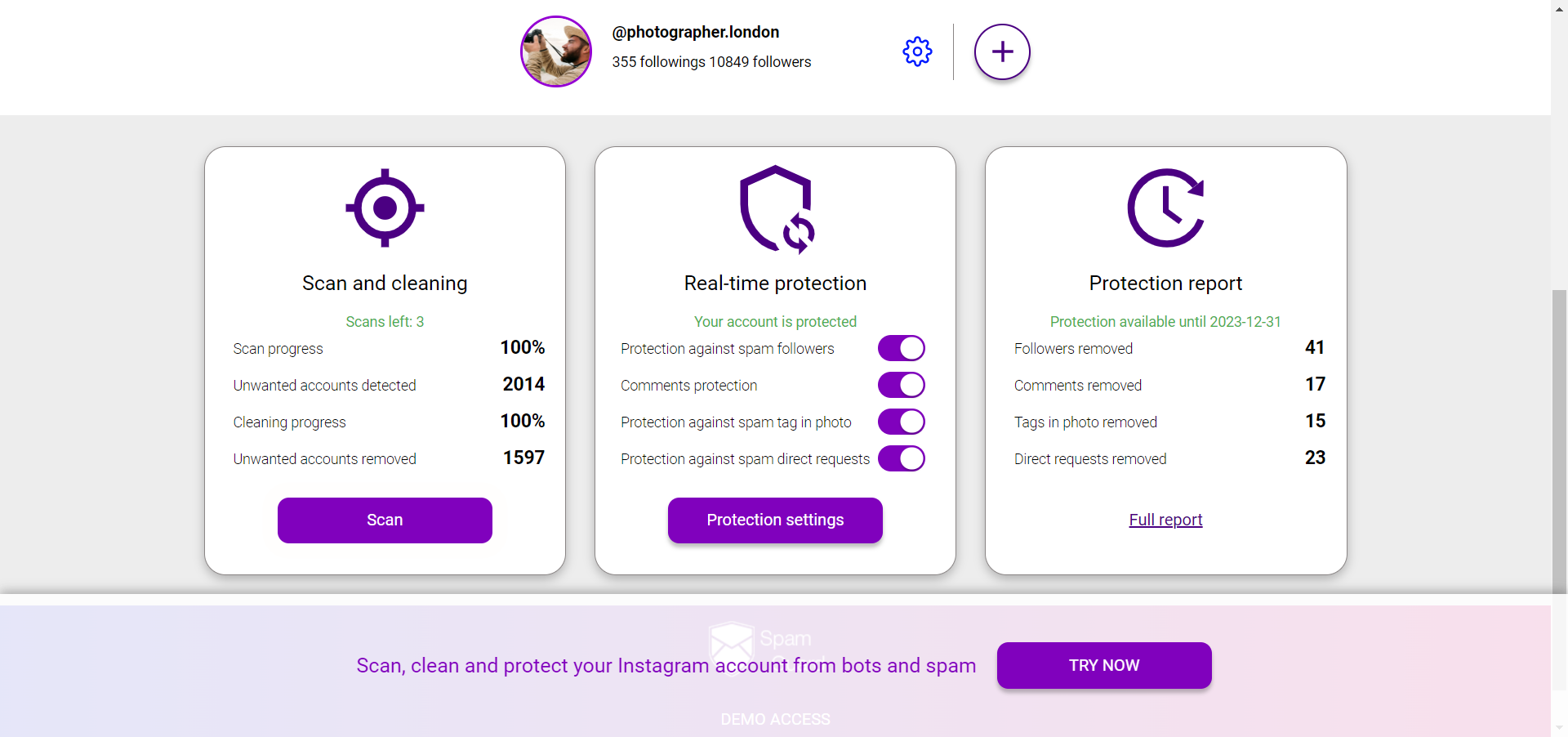
Bio optimization drives higher conversion from real, interested visitors. But if a significant portion of your audience is bots or inactive accounts, profile visit numbers become unreliable — inflated by bot activity that never converts. Running periodic audience audits with SpamGuard gives you clean baseline numbers so bio testing reflects actual human behavior. For driving more qualified traffic to the profile in the first place — targeted audience growth through Zengram.