Losing access to an Instagram account is more common than most people expect. Forgotten passwords, compromised credentials, or a sudden lock triggered by suspicious activity — the recovery path depends on exactly what happened and what you still have access to. This guide covers every scenario.
Scenario 1: Forgot Your Password
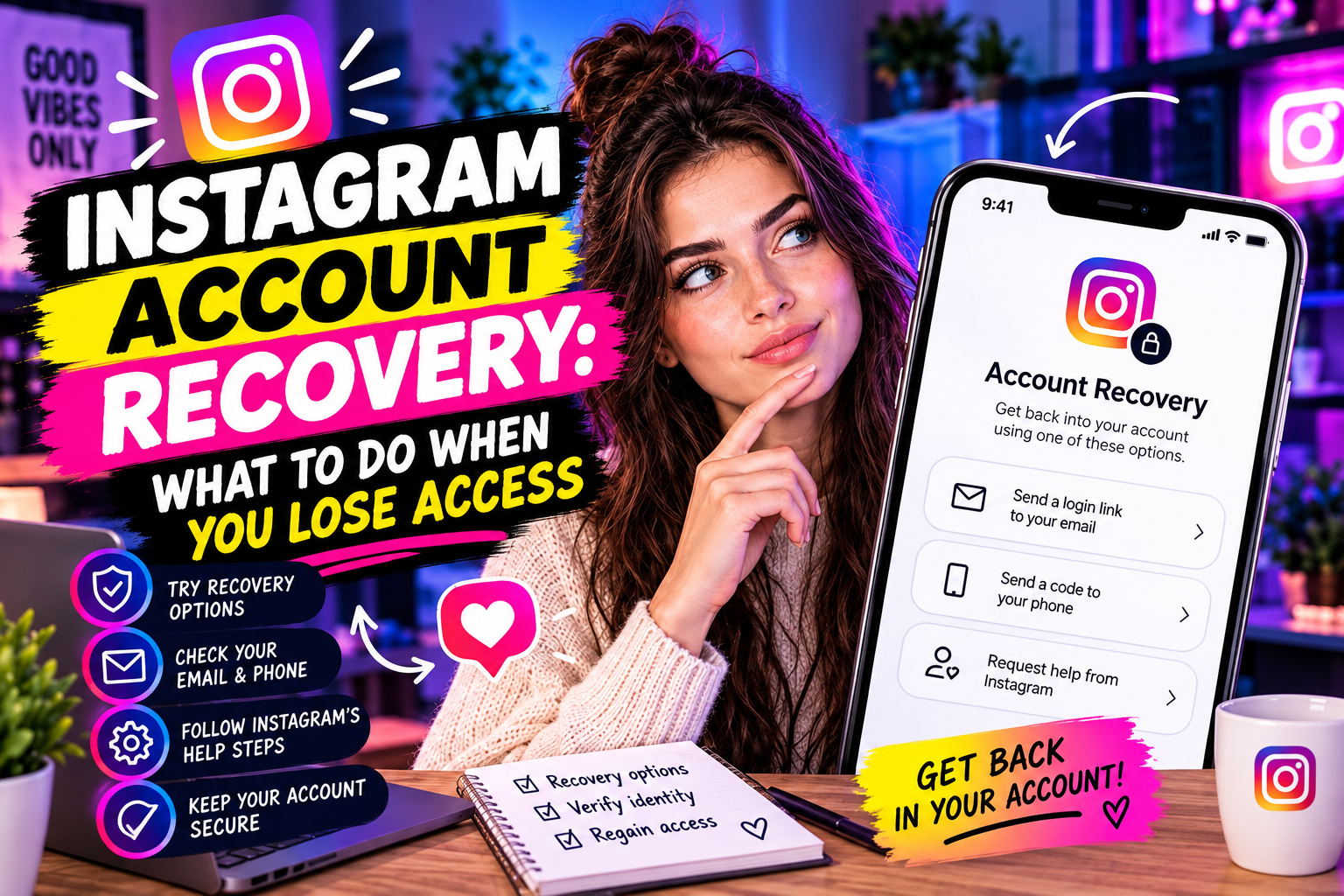
The simplest case. On the login screen, tap "Forgot password" and choose your recovery method:
1. Via phone number: Instagram sends an SMS code. Enter it to reset your password
2. Via email: Instagram sends a reset link to your registered email address
3. Via Facebook: if your accounts are linked, tap "Log in with Facebook" to regain access
If none of these work because your phone number or email has changed, go to "Need more help?" on the login screen. Instagram will ask you to verify your identity through facial recognition (a video selfie) matched against photos from your account.
Scenario 2: Account Hacked — Email Changed
If a hacker changed your email address, Instagram sends an automatic security alert to your original email with a subject line like "We noticed a change to your Instagram account." That email contains a "Revert this change" link.
Act within a few minutes — this link expires. Clicking it restores your original email and forces the hacker out.
If you missed that window: go to the Instagram login screen → "Forgot password" → "Need more help?" → follow the identity verification flow. You will be asked to confirm the email or phone number associated with the account when you created it, not the current one.
Scenario 3: Account Hacked — Phone and Email Changed
This is the most difficult scenario. The hacker has changed both contact methods, so standard recovery flows don't reach you.
Steps to take:
4. Go to instagram.com/hacked on a browser
5. Select "I can't access this email or phone number"
6. Instagram will walk you through an identity verification process — this may include submitting a government-issued ID or completing a video selfie
7. Verification is reviewed by Instagram's support team — expect 1–5 business days
During this process, use the email address you have access to now, not the one that was on the account. Instagram's support team can verify identity through other signals — profile photos, previous login locations, devices used.
Scenario 4: Account Disabled by Instagram
If you see "Your account has been disabled for violating our terms" when logging in, the account was suspended, not hacked.
You can appeal:
8. On the login screen, tap "Learn more" or "I disagree with this decision"
9. Fill in the appeal form — be specific and factual, don't argue emotionally
10. If you believe it was a mistake, state clearly why your account does not violate the stated policy
Instagram disables accounts for spam behavior, copyright violations, coordinated inauthentic behavior, or other policy breaches. If the suspension was an error (it happens), appeals are usually resolved within a few days. If the violation was real, appeals rarely succeed.
Scenario 5: Account Temporarily Locked
Instagram locks accounts temporarily when it detects unusual activity — logging in from a new device, multiple failed login attempts, or activity that looks automated.
These locks are usually resolved by:
• Completing a CAPTCHA or confirming "This was me" via the security code sent to your phone or email
• Waiting 24–48 hours if the lock was triggered by rate limiting (too many actions in a short period)
Temporary locks are not suspensions. They resolve without an appeal process.
Prevention: What Protects Your Account
Two-factor authentication: the single most effective protection. Even if someone has your password, they can't log in without the second factor. Use an authenticator app rather than SMS — it's immune to SIM-swap attacks.
Secure email account: Instagram recovery goes through your email. If your email is compromised, your Instagram can be reset by anyone. Enable 2FA on your email account too.
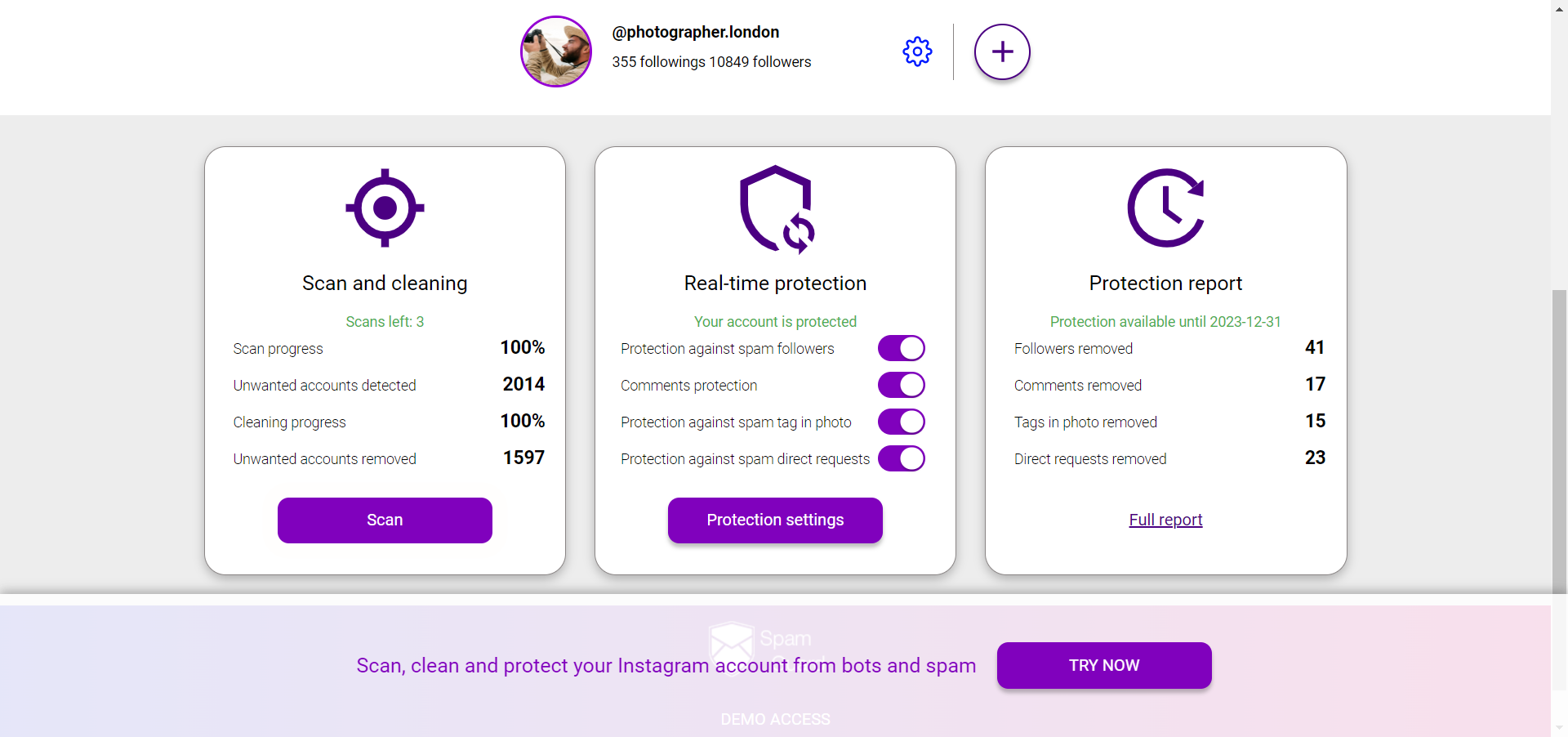
Audit your audience regularly: bot-heavy accounts attract more spam and phishing attempts targeting their owners. SpamGuard identifies fake followers and keeps your account metrics clean — a cleaner account is also a less targeted one.