Instagram Highlights sit at the top of your profile, just below your bio — and most accounts waste this space with disorganized, outdated, or purely decorative content. Done right, Highlights can turn a profile visit into a follow, and a follow into a customer.
This guide covers how to structure Highlights for maximum impact, what content belongs in each one, and how keeping your profile clean (including your audience quality) amplifies the effect.
Why Highlights Matter More Than Most People Think
When someone lands on your profile from a post, a hashtag, or a share, they have about 5-10 seconds to decide whether to follow. Your Highlights are the first structured content they see — before they scroll your grid.
A well-organized Highlights section communicates:
A cluttered or empty Highlights section communicates nothing — which means the visitor scrolls your grid for 3 seconds and leaves.
The Core Highlight Structure That Works
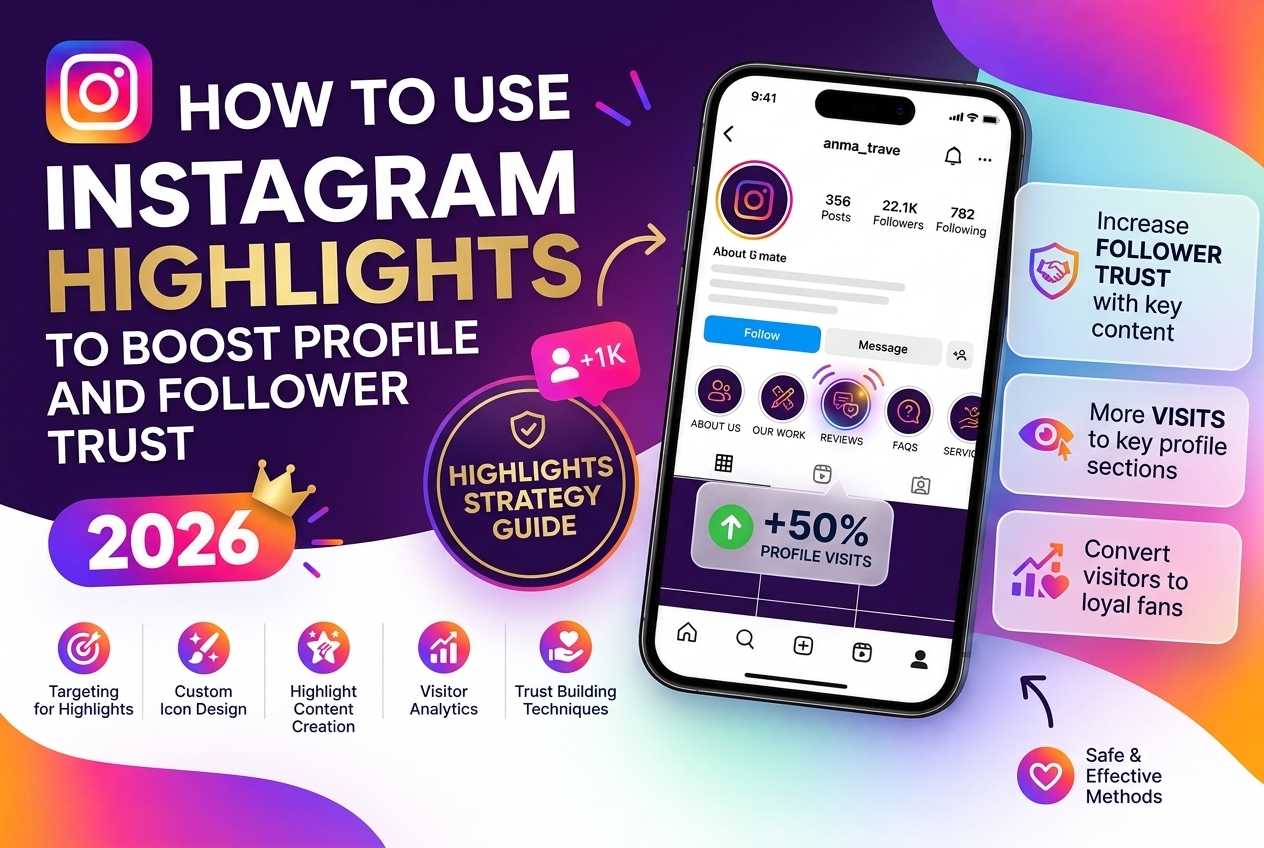
For most accounts — personal brands, small businesses, creators — this five-category structure covers what visitors need to see:
1. Who I Am / About
A 3-5 slide introduction: what you do, who you help, why you started. This replaces the elevator pitch that can't fit in a bio. Use text overlays, not just talking-head videos.
2. What I Do / Services / Products
Your core offer, clearly explained. Prices if relevant. A CTA (link in bio, DM for info). For e-commerce: bestsellers, with product names visible in the frame.
3. Proof / Reviews / Results
Screenshots of testimonials, before/after results, client wins, press mentions. This is the highest-trust content on your profile — most accounts bury it in old Stories that expire.
4. FAQ
The 5-6 questions you get asked most often. Saves you time and removes friction for people who are almost ready to buy or follow but need one more nudge.
5. Behind the Scenes / Process
How you work, how things are made, a day in your life. This is the content that builds connection and makes following feel personal rather than transactional.
Highlight Cover Design: Keep It Simple
Highlight covers should be consistent with your brand palette and legible at the small size they appear on mobile screens. Common mistakes:
Best practice: simple icon (line art or emoji) on a solid background that matches your profile's color palette. Create them once in Canva and update rarely.
What to Put in Each Highlight: Content Principles
The goal of every Highlight is to answer a specific question a profile visitor might have. Every slide should either answer that question or move the visitor closer to the answer.
Slides that don't serve that purpose — generic seasonal content, random reposts, decorative graphics — dilute the Highlight. Remove them.
Keep Highlights short: 10-15 slides maximum. Most visitors tap through Highlights quickly. If the Highlight has 40 slides, they'll tap through 5 and leave.
The Connection Between Audience Quality and Highlights Performance
Here's something most guides don't mention: Highlight views depend on your overall engagement rate — and engagement rate depends on how many of your followers are real, active people.
An account with 5,000 followers and 400 fake or inactive accounts will have systematically lower engagement. Instagram's algorithm reads low engagement as a signal that content isn't worth amplifying — which reduces profile reach, which reduces Highlight views.
Updating Highlights: When and How Often
Highlights don't need constant updating — but they need to stay current. Quarterly is a good cadence for most accounts:
A profile where the Highlights reference offers or dates from 18 months ago signals an inactive account. Visitors notice.
A Note on Highlight Icons and Naming
Highlight names are limited to 15 characters and appear below the cover icon. Keep them scannable:
The icon and the name together should communicate the Highlight's purpose in under 2 seconds.