

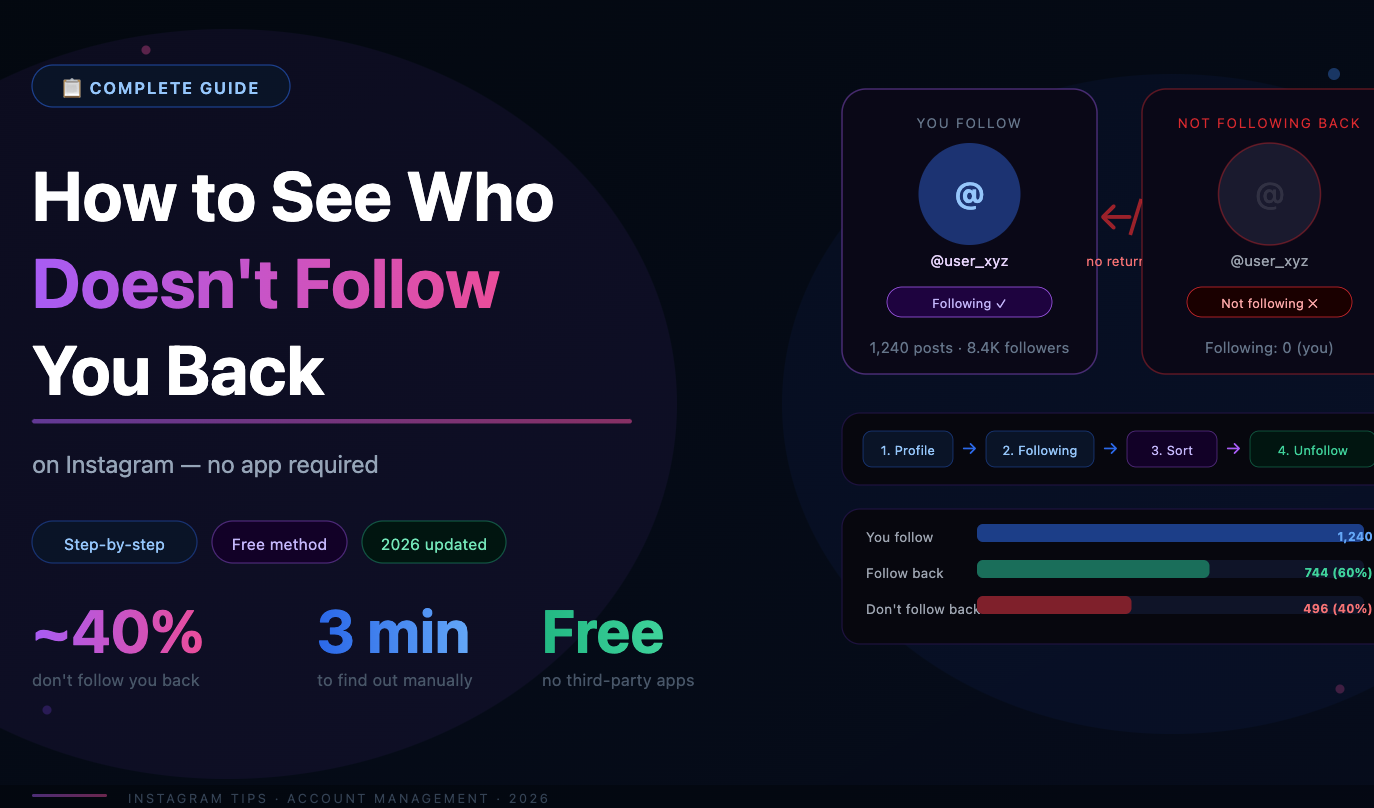
Knowing who doesn't follow you back is the first step to cleaning up your following list, improving your follower ratio, and building a more intentional Instagram presence. This guide covers every method — from Instagram's built-in tools to third-party solutions — so you can find your non-followers and decide what to do with them.
Why Your Non-Follower List Matters
Your follow ratio signals account quality. When someone visits your profile, the ratio of accounts you follow to accounts following you tells a story. An account following 3,000 people with 500 followers looks like a follow-for-follow bot. A cleaner ratio signals a genuine, engaged presence.
Non-followers contribute nothing to your engagement. Accounts that don't follow you back don't see your posts in their feed (unless they actively visit your profile). They're not liking your content, not commenting, not sharing. From an engagement perspective, they're invisible.
Your feed quality suffers. Every account you follow contributes to your feed. Following hundreds of accounts out of obligation rather than interest means your feed is cluttered with content you don't want to see — and your actual favorites get buried.
Method 1: Check Manually in the Instagram App
Instagram doesn't offer a direct "non-followers" list, but you can cross-reference manually:
Go to a specific account's profile, tap Followers, and look for your username. If you're not there, they don't follow you back. This works for checking individual accounts but is completely impractical for auditing your entire following list.
For small followings (under 100 accounts), manual checking is feasible. For anything larger, you need a better method.
Method 2: Use Instagram's Built-in Sorting
Instagram added a sorting feature to the Following list that can help identify non-engaged accounts:
Go to your profile and tap Following
Tap Sort and select Least interacted with
This shows accounts you follow but rarely engage with — which often overlaps significantly with non-followers. It's not a direct non-follower filter, but it surfaces the accounts most likely worth unfollowing regardless of whether they follow you back.
The limitation: this filter is based on your engagement with their content, not on whether they follow you. An account can follow you back but never appear in your feed — and that account won't show up here as a problem.
Method 3: Use a Dedicated Audience Management Tool
For a precise, complete list of non-followers, you need a tool that can compare your following list against your followers list and identify the gap. SpamGuard handles this as part of its broader audience analysis: it identifies non-followers, inactive accounts, bots, and commercial profiles in a single audit — giving you a complete picture of your following list rather than just one slice of it.
The advantage over manual comparison or basic apps is depth. SpamGuard doesn't just tell you who isn't following back — it tells you whether those non-followers are high-quality accounts worth keeping in your following list (industry leaders, journalists, brands you genuinely follow for their content) or low-value accounts that followed you with no intent to engage.
Before You Unfollow: How to Decide Who Goes
Not every non-follower is worth unfollowing. The follow-back metric alone doesn't determine whether an account is worth following. Here's a practical framework:
Keep following if: The account posts content you genuinely read or watch. It's a journalist, industry leader, or public figure whose content you value even without a reciprocal follow. It's a brand you actively like and want to stay updated on. You have a real professional or personal relationship with the account owner.
Consider unfollowing if: You followed primarily hoping they'd follow back. You can't remember the last time you interacted with their content. You followed them as part of a mass-follow campaign. They're a brand account that followed you during a promotion and has since dropped your follow.
The goal isn't to have a perfectly symmetrical follower-to-following ratio — it's to curate a following list that reflects genuine interest and keeps your feed worth reading.
How to Unfollow Non-Followers Safely
Once you've identified who to unfollow, the method matters. Instagram has rate limits on follows and unfollows — exceeding them triggers temporary action blocks.
Safe manual pace: 30–60 unfollows per hour, no more than 150–200 per day for established accounts.
What to avoid: Third-party apps that promise to "unfollow everyone at once" or "mass unfollow in seconds" are almost universally unsafe — they ignore rate limits, use unofficial API access, and frequently result in account restrictions or bans.
SpamGuard handles unfollowing within Instagram's safe limits automatically — pacing removals to avoid triggering restrictions. You don't have to track limits manually or worry about accidentally bulk-unfollowing too fast. The tool runs gradually in the background while you focus on other things.
What Happens After You Unfollow Non-Followers?
The immediate effect: your following count drops. If you've been aggressively following without culling, this drop can be substantial — which is exactly the point.
The downstream effects:
Your follower-to-following ratio improves, making your profile look more credible to new visitors
Your feed becomes more relevant — you see more content from accounts you actually care about
Your engagement patterns look more authentic to Instagram's algorithm — you're interacting with a smaller, more intentional set of accounts
One thing that won't happen: the accounts you unfollow won't receive a notification. Instagram doesn't alert users when they lose a follower or when someone unfollows them. The process is completely invisible to them.
Keeping Your Following List Clean Going Forward
The best approach is ongoing maintenance rather than periodic large cleanups. A few habits that help:
Be deliberate about new follows — follow because you want to see their content, not as a growth tactic
Do a quarterly review using Instagram's Least Interacted With filter and unfollow accounts you've drifted from
After any giveaway or campaign that required following other accounts, schedule a cleanup for 2–4 weeks later
Set a personal ceiling for how many accounts you follow and prune whenever you approach it
For ongoing automated management, SpamGuard monitors both sides of your audience — who's following you and who you're following — and helps maintain quality on both ends. A cleaner following list and a healthier follower base compound over time: better ratio, better feed, better algorithm signals, better growth.
