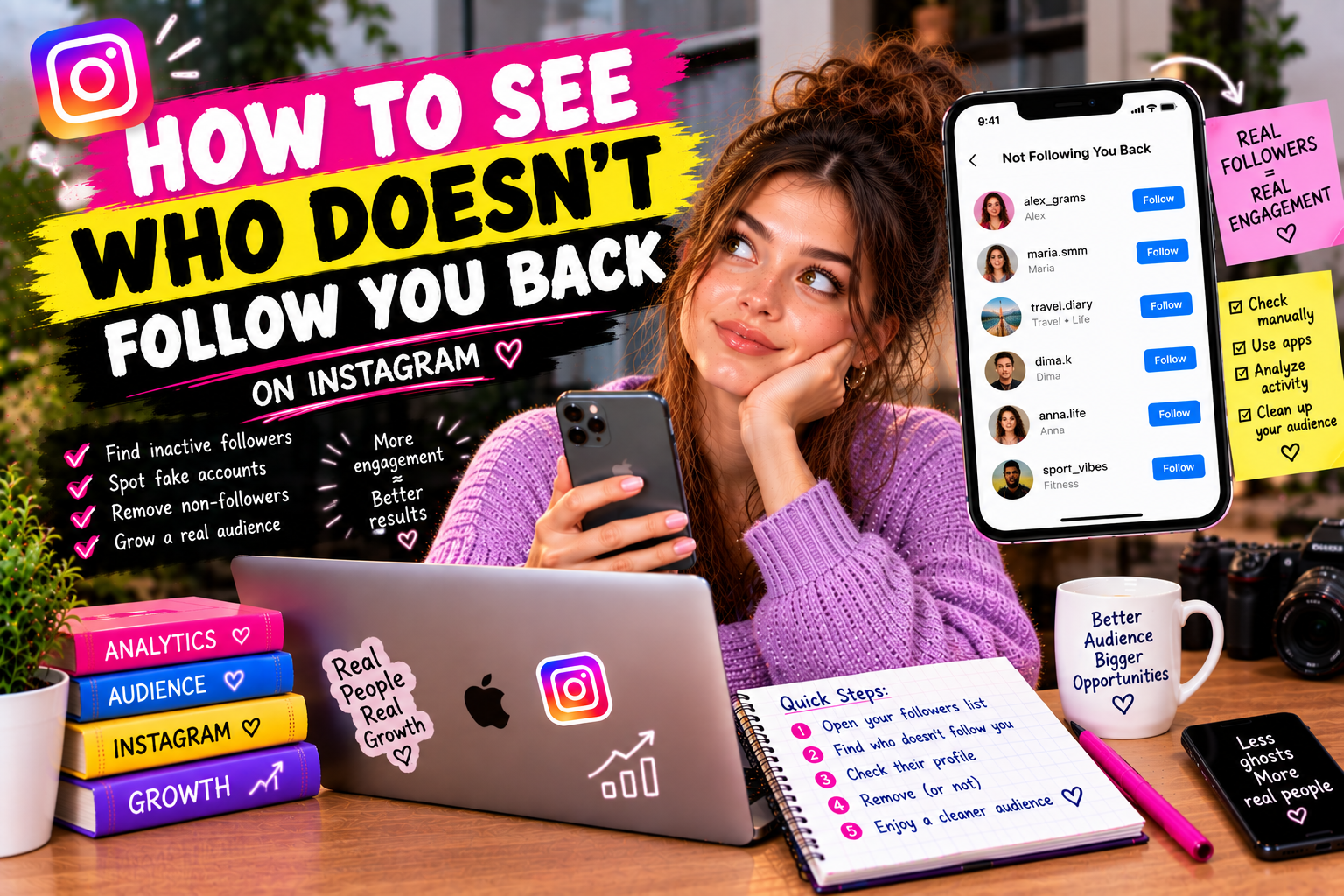
You follow 800 accounts. 800 accounts don't necessarily follow you back. Finding out which ones don't — and deciding what to do about it — is one of the most common Instagram housekeeping tasks, and one that Instagram's native app makes surprisingly difficult.
This guide covers every method for checking non-followers on Instagram: what works natively, what requires a third-party tool, and how to act on the information once you have it.
Why Instagram Doesn't Show You Non-Followers Directly
Instagram's native app shows you your follower list and your following list as two separate feeds. But it provides no comparison view — no built-in way to see the intersection or difference between the two lists.
This is a design choice, not an oversight. Instagram has historically avoided features that make it easy to run aggressive follow/unfollow cycles, since those patterns pollute the platform with low-quality engagement. Hiding the non-follower view reduces the immediate incentive to unfollow everyone who doesn't follow back.
The result: if you want to see who doesn't follow you back, you need either manual comparison or a third-party tool.
Method 1: Manual Comparison (Small Accounts Only)
For accounts following under 200 people, manual comparison is possible:
Realistic time estimate: about 5-10 seconds per account. For 200 accounts: 20-30 minutes. For 500 accounts: over an hour. For anything above that, manual comparison is not a practical option.
Method 2: Third-Party Apps and Web Services
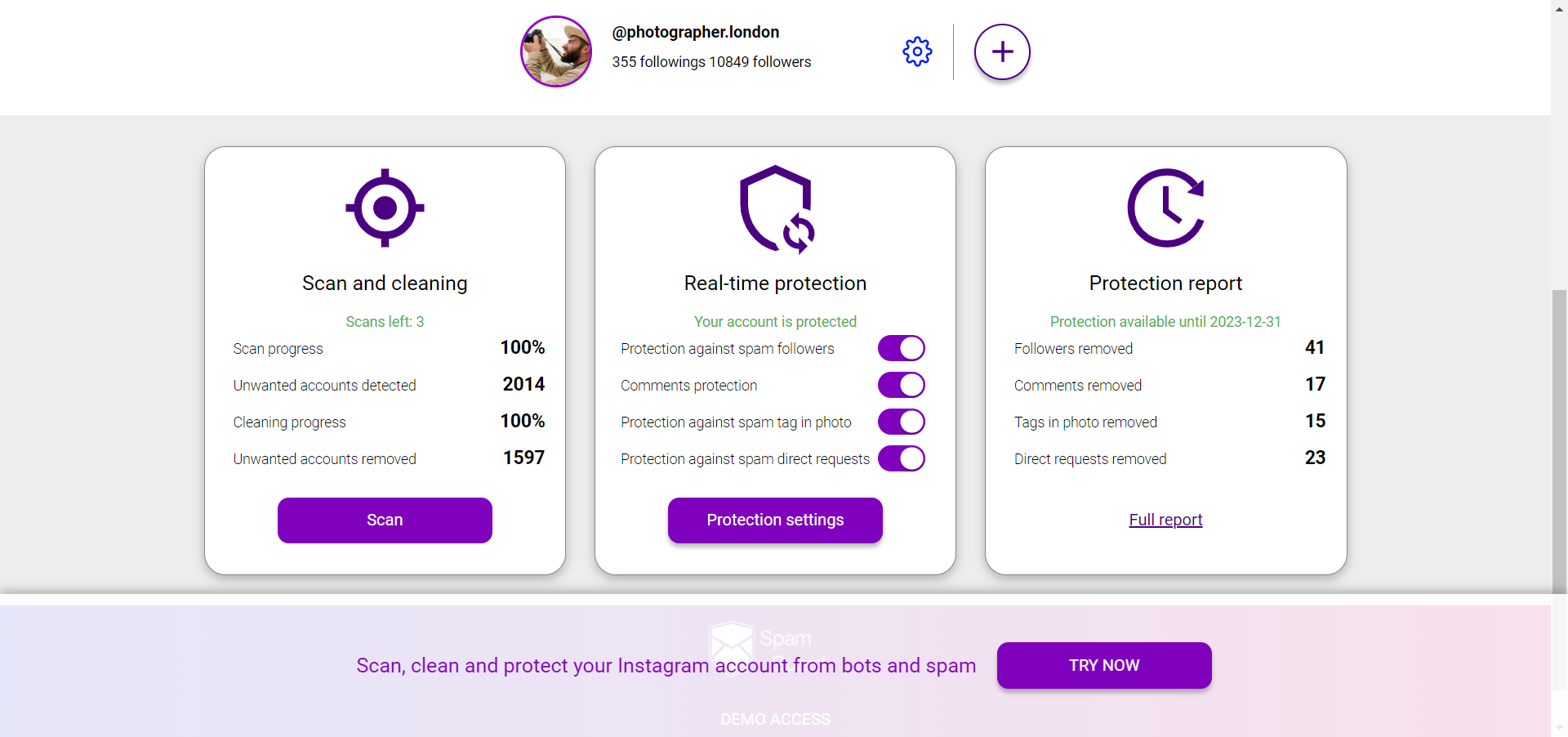
Tools like SpamGuard connect to your Instagram account through the official Meta API and compare your follower and following lists automatically. The result: a clear view of accounts you follow that don't follow you back, updated regularly.
What a proper non-follower audit through SpamGuard shows you:
The advantage over manual checking: the comparison runs on the full lists simultaneously, takes seconds, and gives you the ability to act on the results — unfollowing in bulk or selectively — without doing it one account at a time.
What to Do With the List of Non-Followers
Having the list is step one. Step two is deciding what to do with it — and this deserves more thought than a mass unfollow.
Not all non-followers are worth unfollowing
Some accounts you follow for the content they post, regardless of whether they follow you back. Brands, news sources, public figures, competitors you track — none of these will ever follow you back, and that's fine. The relevant question is: which accounts did I follow specifically hoping for a follow-back, and didn't get one?
The follow/unfollow trap
Aggressively unfollowing everyone who doesn't follow you back and then refollowing them to trigger the notification (hoping they'll follow this time) is a pattern Instagram penalizes. Accounts that follow and unfollow the same user repeatedly can receive temporary action blocks or engagement restrictions.
Quality over symmetry
A more useful framing: instead of optimizing for mutual follows, optimize for audience quality. The accounts that follow you and engage with your content are worth more than a symmetric follow from an account that will never engage.
How to Unfollow Non-Followers Safely
If you decide to clean up your following list, doing it safely means:
SpamGuard's unfollow tool manages the rate and batching automatically — you set the targets, the tool handles the pacing to stay within safe Instagram limits.
How Often Should You Check Non-Followers?
For most accounts, a quarterly check is sufficient. If you're actively growing and following a lot of accounts as part of a growth strategy, monthly checks make more sense.
What's not worth doing: checking daily and immediately unfollowing anyone who doesn't follow back within 48 hours. The aggressive approach signals bot-like behavior to Instagram's systems and attracts penalties rather than growth.
The Difference Between Non-Followers and Ghost Followers
Non-followers: accounts you follow that don't follow you back.
Ghost followers: accounts that follow you but never engage with your content (no likes, no comments, no DMs).
Ghost followers are often the bigger problem. They inflate your follower count but depress your engagement rate, which hurts your algorithmic reach. Non-followers affect your following count aesthetics but don't impact how Instagram distributes your content.
SpamGuard identifies both categories separately — run a full audit to see both your non-followback list and your ghost follower breakdown in one place.
Can You See Non-Followers Without Giving App Access?
Not with real data. Any tool that claims to show your non-followers without connecting to your Instagram account is either fabricating data, scraping in ways that violate Instagram's terms, or showing you cached and potentially outdated information.
Legitimate tools use the official Meta API with your explicit authorization. You log in, grant permission, and the tool reads your lists through the proper channel. This is the only way to get accurate, up-to-date data.
Quick Summary