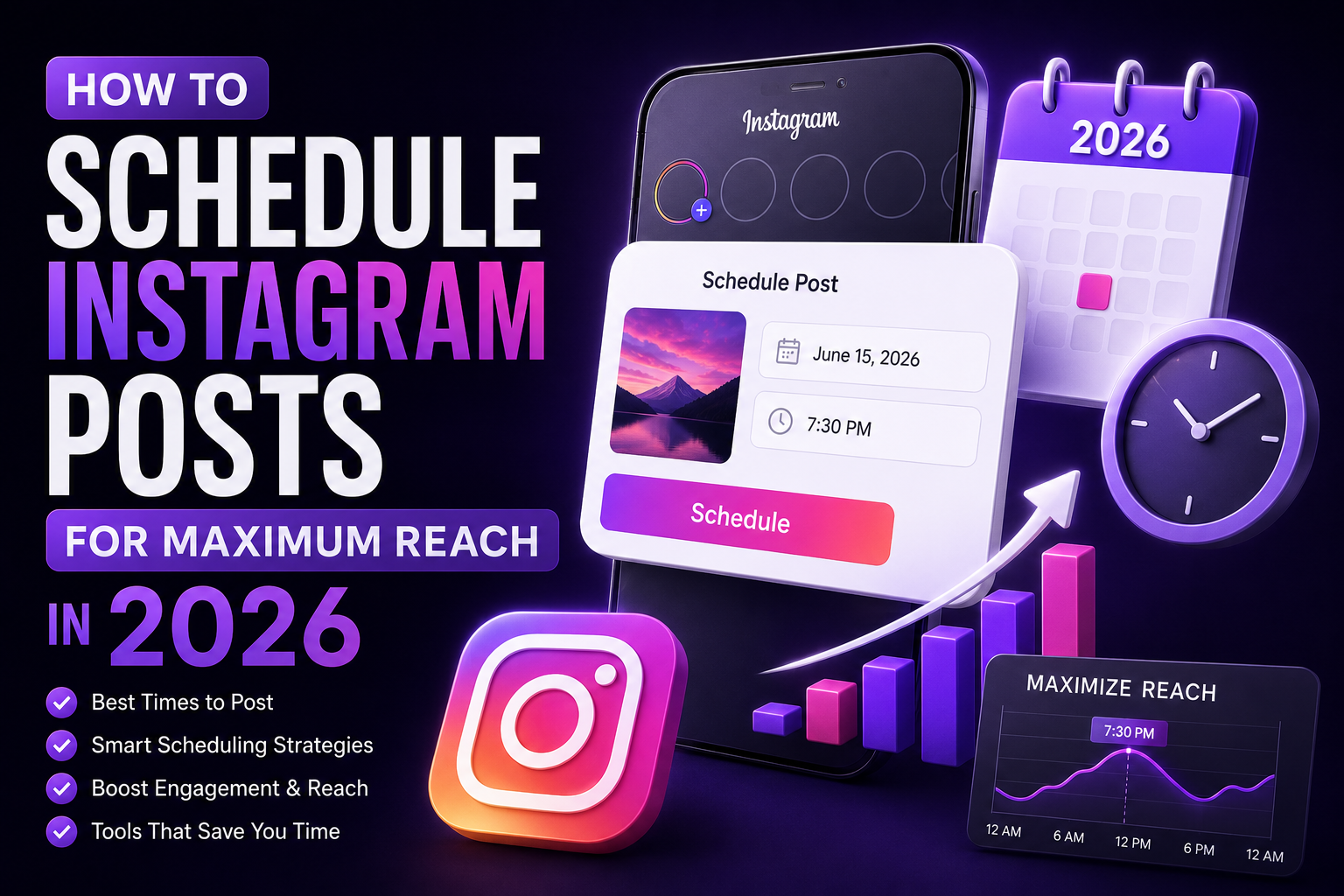
Posting at the wrong time on Instagram is one of the most common reasons otherwise good content underperforms. The algorithm evaluates each post's early engagement velocity — likes, comments, saves, and shares in the first 30–60 minutes — and uses it to decide how broadly to distribute the content. Post when your audience is asleep, and even strong content never builds enough initial momentum to reach beyond your immediate followers.
This guide covers how timing works in Instagram's 2026 algorithm, how to find the optimal posting windows for a specific account, and why consistent timing delivers compounding benefits over time.
How Instagram's Algorithm Uses Timing
Instagram does not distribute content evenly over time after posting. The algorithm runs an initial test: it shows the post to a small percentage of followers and measures their response rate. If that response rate is strong — relative to the account's historical benchmarks — it widens distribution progressively. If the response rate is weak, distribution stops expanding.
This means the first hour after posting determines most of the total reach a post will ever receive. Posts published when the target audience is offline start their initial test with artificially low response rates, because the sample of followers shown the content is sparse and disengaged at that moment.
The practical consequence: an identical post published at 7pm on a Tuesday can reach three to four times more accounts than the same post published at 2am on a Sunday, simply because the initial engagement velocity is higher.
[Screenshot: Instagram Insights graph showing engagement rate variation by posting time across one month]
General Timing Benchmarks for 2026
Meta's internal data, cross-referenced with third-party analytics platforms, consistently identifies several high-performance windows for most English-language audiences:
Day | Peak Window 1 | Peak Window 2 | Avoid |
Monday | 6am – 8am | 7pm – 9pm | 2am – 5am |
Tuesday | 8am – 10am | 6pm – 9pm | 1am – 5am |
Wednesday | 9am – 11am | 7pm – 9pm | 12am – 5am |
Thursday | 9am – 11am | 6pm – 8pm | 1am – 5am |
Friday | 9am – 11am | 5pm – 7pm | 2am – 7am |
Saturday | 11am – 1pm | 4pm – 6pm | 1am – 8am |
Sunday | 12pm – 2pm | 6pm – 8pm | 1am – 9am |
These are starting benchmarks, not universal rules. An account with an audience in a specific timezone, profession, or lifestyle segment may see very different peak windows. The table provides a rational starting point before account-specific data is available.
How to Find the Optimal Time for a Specific Account
Generic timing advice has limited value because audience behavior varies significantly by niche, geography, and demographics. The correct approach is to use account-specific data:
Step 1: Check Instagram Insights
Navigate to the professional dashboard and open Insights. Under the Audience section, look for 'Most Active Times.' This shows a heat map of when followers are most active, broken down by hour and day of week.
Use this data to identify the top two or three posting windows per week. These are the times when the initial test audience — followers — is most likely to be online and responsive.
[Screenshot: Instagram Insights audience activity heatmap showing peak hours by day]
Step 2: Run a Timing Experiment
For accounts with fewer than 10,000 followers, Insights data can be statistically noisy. A more reliable method is to run a controlled experiment over four to six weeks:
Step 3: Separate Format-Specific Timing
Feed posts, Reels, and Stories have different audience behavior patterns. Reels often perform well slightly outside traditional peak hours because they rely on algorithmic distribution more than follower activity. Stories are most effective during morning and evening commute windows when users check the app casually.
Build separate timing schedules for each format rather than applying a single rule across all content types.
Posting Frequency and Consistency
Timing optimization has diminishing returns if posting frequency is inconsistent. The algorithm rewards accounts that publish on a predictable schedule because consistent posting signals an active, engaged creator.
Recommended frequencies for different account sizes and goals:
Posting every day for two weeks then going silent for ten days produces worse long-term results than posting three times per week consistently for three months. The algorithm deprioritizes accounts that show irregular activity patterns.
The Audience Quality Problem and How It Affects Timing
Timing optimization assumes that the followers being shown a post during the initial test window are genuinely active users. When a significant portion of an account's followers are inactive, bot, or ghost accounts, the initial test window produces artificially low engagement even during peak hours — because the followers being shown the post are not capable of engaging with it.
This is a structural problem that timing cannot solve. An account with 30% ghost followers will consistently underperform its timing benchmarks because the algorithm's initial sample is contaminated with non-participants.
[Screenshot: SpamGuard account audit showing ratio of active vs inactive followers]
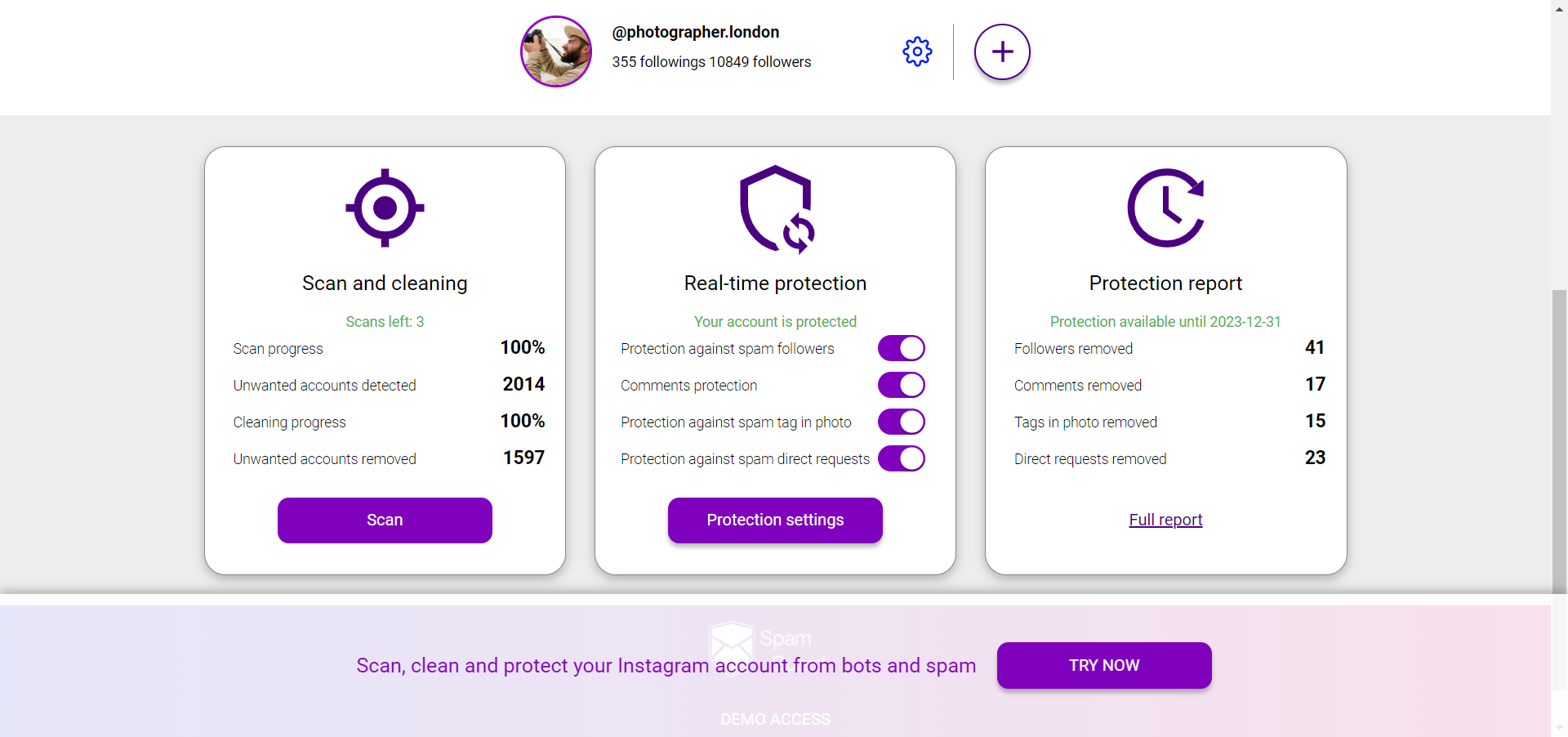
SpamGuard identifies inactive followers, bot accounts, and ghost profiles through behavioral analysis and removes them in safe batches that stay within Instagram's guidelines. After cleanup, the initial test window becomes more effective — the sample of followers shown new posts skews toward active users, which improves early engagement velocity and therefore total reach.
Run a free follower audit before optimizing posting times at SpamGuard. Timing improvements deliver better results when the underlying audience is clean.
Scheduling Tools and Their Trade-offs
Third-party scheduling tools allow posts to be queued in advance, which reduces the operational burden of posting manually at specific times. The main options:
There is no confirmed algorithmic penalty for using official API-connected scheduling tools. Posts scheduled through approved tools perform identically to manually published posts in reach and distribution.
Conclusion
Timing is one of the few controllable variables in Instagram's reach equation. Publishing during peak audience activity windows increases the probability that the algorithm's initial engagement test produces a strong signal — which then drives broader distribution.
The optimization sequence is: first clean the audience (remove inactive and bot followers), then identify account-specific peak windows through Insights and experimentation, then use a scheduling tool to post consistently at those times without operational friction.
SpamGuard handles the audience quality component — analyze your followers for free at spamguardapp.com before investing further in timing and scheduling optimization.