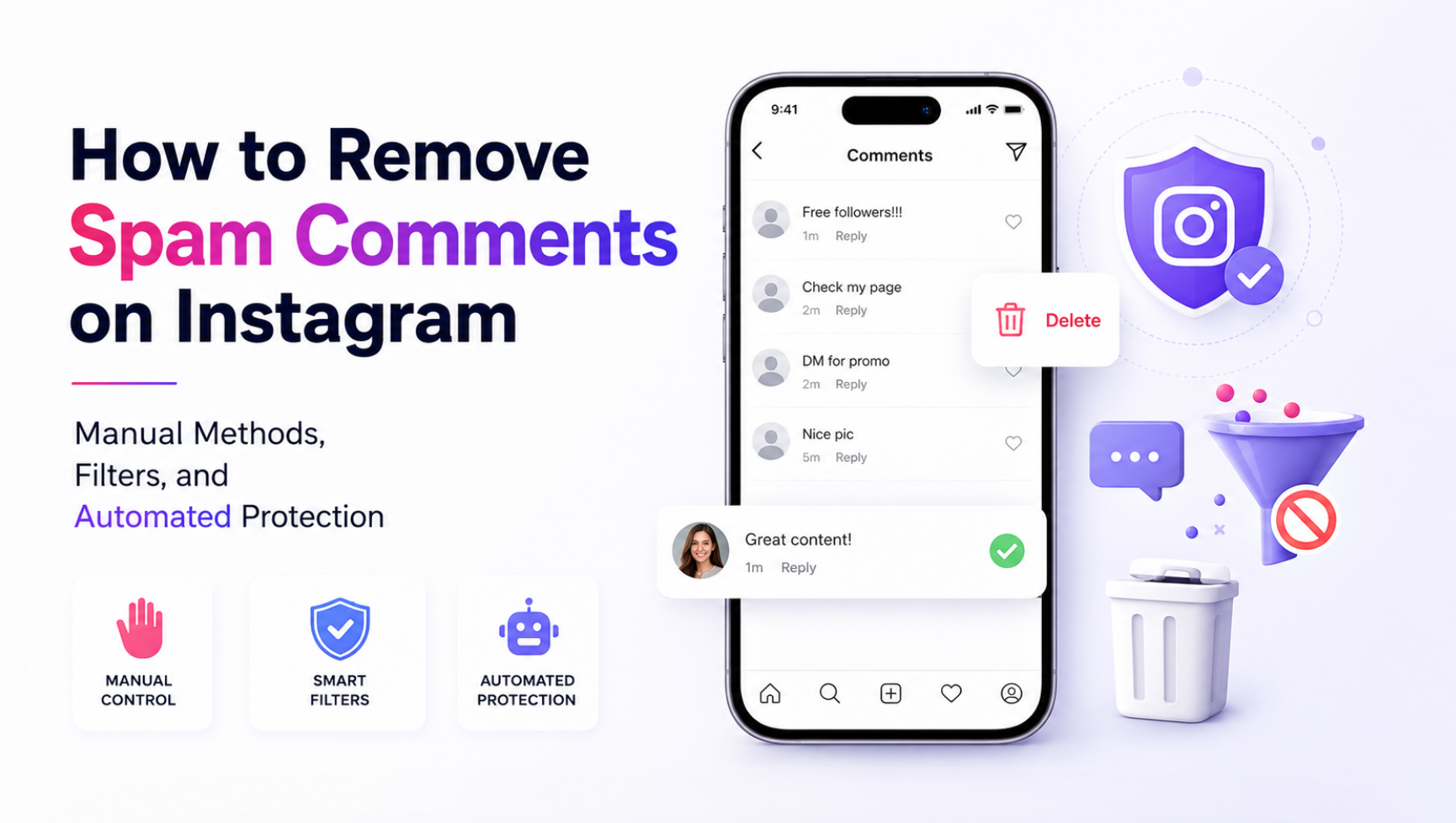
This guide covers everything: why spam comments are harmful, how Instagram's native filters work, how to manage them manually, and how to set up protection that stops most spam before it even appears.
Why Spam Comments Are More Than Just Annoying
They undermine content credibility. When real followers visit your post and see a string of generic bot comments — "Great post!", "Follow me @random123", "Check my page" — it cheapens the impression of your content and your account. It signals low content quality to casual visitors and potential brand partners.
They distort engagement metrics. Spam comments inflate your comment count without adding real engagement value. A post with 200 comments, 180 of which are bot-generated, has a misleading engagement appearance. Savvy brands and agencies distinguish between real engagement and inflated numbers — and penalize accounts where the gap is visible.
They attract more spam. Bot networks follow each other. An account with heavy spam activity often attracts more of it — the presence of bot comments signals to other automated systems that your account is an active target.
They create a poor experience for real followers. Genuine comments from real followers get buried under spam. When a follower takes the time to write a thoughtful comment and it disappears into a wall of bot noise, they're less likely to comment again.
Instagram's Built-in Spam Filters
Instagram has several native tools for managing comment spam. They're useful but limited.
Automatic spam filter. Instagram automatically hides comments it detects as spam. These comments are moved to a hidden section — the account owner can see them in settings but they're invisible to other users. The filter catches obvious patterns but misses more sophisticated spam and doesn't remove the underlying accounts.
Keyword filters. In Settings > Privacy > Hidden Words, you can add specific words, phrases, or emoji combinations that will automatically hide comments containing them. This is useful for recurring spam patterns specific to your account or niche. The limitation: you need to know what to block in advance.
Manual comment deletion. Long-press any comment on iOS/Android or hover on desktop to access delete options. You can delete individual comments or select multiple at once. There's no bulk-select-all option for an entire post's comments — each one requires a tap.
Block and restrict. Blocking a spam account prevents it from seeing or interacting with your content. Restricting an account moves its comments to a pending approval queue — only you can see them until you approve them. Restrict is useful for borderline accounts; block is for clear spam.
Managing Spam Comments Efficiently: Manual Tactics
For accounts with moderate spam volume, a combination of native filters and periodic manual cleanup is manageable. Here's an efficient approach:
Set up keyword filters proactively. Look through your existing spam comments and identify recurring phrases. "Follow me", "Check my profile", "DM for promo" — add these to your hidden words list. Update the list monthly as new patterns appear.
Block aggressively. When you see a spam comment, don't just delete it — block the account. Blocking prevents future comments and removes the account from your followers if it was following you.
Use the comment management view. In Instagram Insights, the comment management section lets you see all comments in one place rather than scrolling through individual posts. This makes bulk cleanup faster.
Schedule weekly comment audits. Set aside 10–15 minutes per week to review and clean comments across recent posts. Staying on top of it prevents large backlogs.
The Connection Between Spam Comments and Fake Followers
Most spam comments come from bot accounts or low-quality profiles that are also following you. This means a significant portion of your spam comment problem overlaps with your fake follower problem.
When you remove fake followers and bot accounts from your audience, you also remove the accounts generating most of your spam comments. They can no longer comment because they no longer follow you — and even if your account is public, removing them from your follower list means they're less likely to appear in your comment sections.
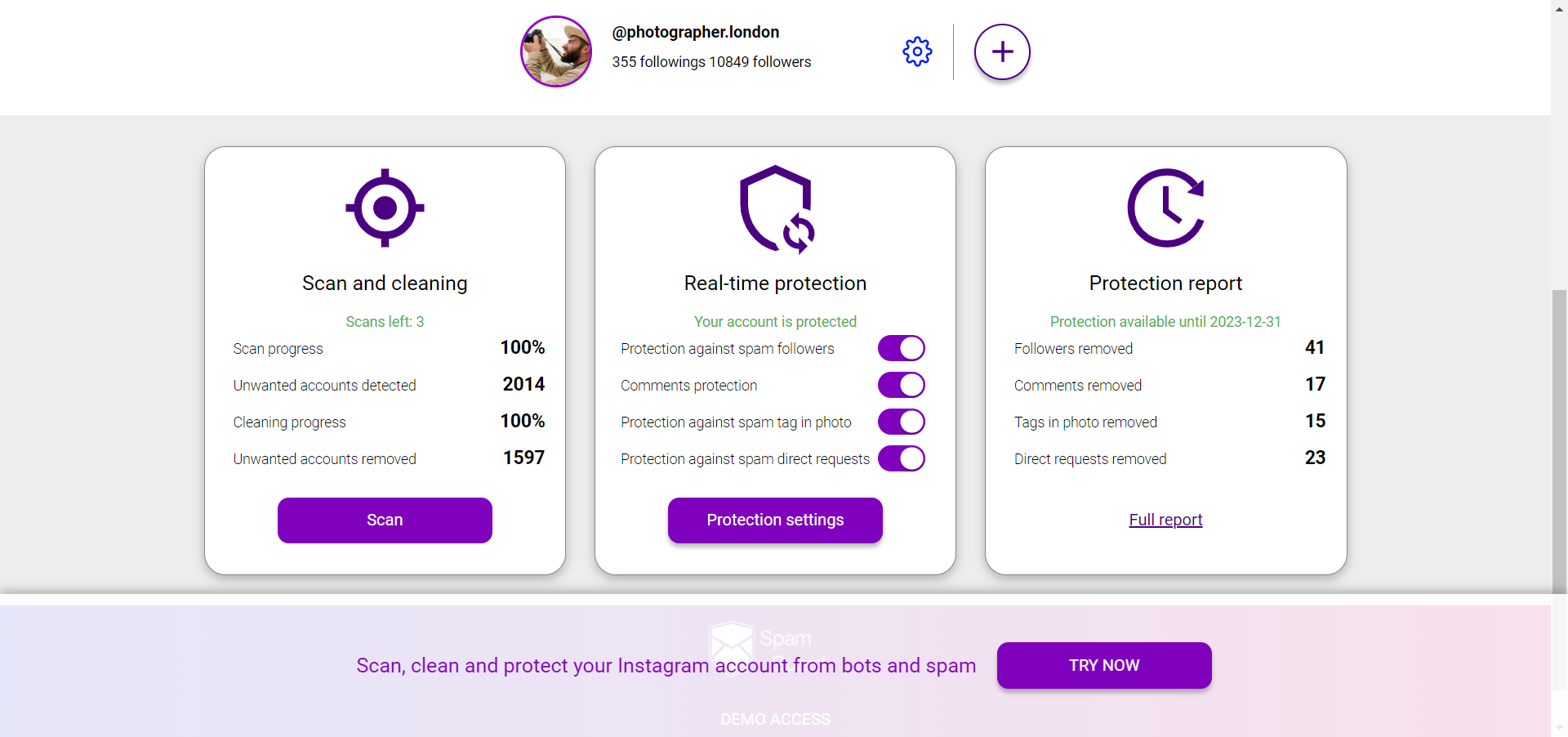
SpamGuard addresses both problems simultaneously. By cleaning fake accounts out of your follower list and blocking incoming bot accounts in real time, it reduces the volume of spam comments as a downstream effect of audience hygiene. You're not just hiding spam after it appears — you're removing the accounts that generate it.
Turning Off Comments: When It Makes Sense
Instagram lets you disable comments on individual posts or across all posts by default. This is a drastic option that prevents all comments — including genuine ones — and should be used selectively.
Scenarios where disabling comments makes sense: high-profile announcements that typically attract disproportionate spam; posts promoting a giveaway where the comment section has become unmanageable; accounts that don't rely on comment engagement as a core interaction format.
For most accounts, disabling comments is a last resort. The engagement loss from suppressing real comments usually outweighs the benefit of eliminating spam.
Restricting Who Can Comment
A more targeted alternative to disabling comments entirely: restricting who can comment. In Settings > Privacy > Comments, you can limit comments to:
Everyone (default)
People you follow
Your followers
People you follow and your followers
Limiting to followers significantly reduces spam from accounts that aren't following you. Limiting to people you follow is the most restrictive — useful for sensitive posts where you want a controlled conversation.
This setting doesn't replace audience hygiene — if a significant portion of your followers are bots, restricting to followers still allows bot comments. The combination of a clean follower base (managed with SpamGuard) and smart comment privacy settings gives you the strongest protection.
Protecting Against Comment Spam Long-Term
Spam management is an ongoing task, not a one-time fix. The most effective long-term approach combines three layers:
Native filters: keyword filters and Instagram's automatic spam detection for first-line filtering
Audience hygiene: regular removal of bot and fake accounts from your follower list to eliminate the source of most spam
Ongoing monitoring: periodic manual review to catch what automated systems miss
The middle layer — audience hygiene — is the most impactful and the most overlooked. SpamGuard runs continuously in the background: it detects new fake followers as they arrive, removes them automatically, and maintains your account's comment quality as a side effect of keeping your audience clean. Less spam, better engagement metrics, more space for real conversations.