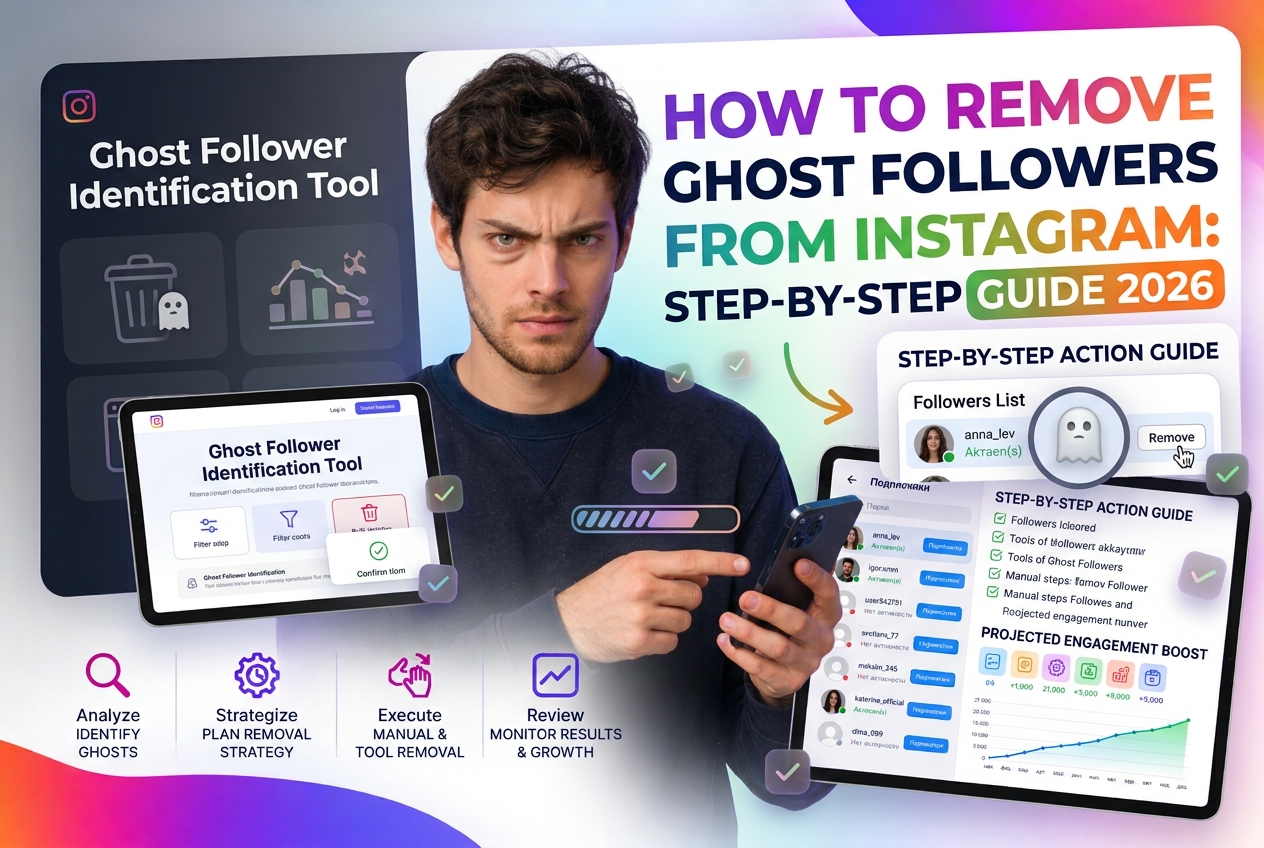
Ghost followers — inactive accounts, bots, and fake profiles — silently damage your Instagram performance. They inflate your follower count while dragging down your engagement rate, which signals to the algorithm that your content isn't worth distributing. Here's how to identify and remove them systematically in 2026.
Why Ghost Followers Hurt Your Account
Instagram's algorithm uses engagement rate as a key distribution signal. When you post, the algorithm first shows your content to a sample of your existing followers. If that sample doesn't engage (because a significant portion are inactive or fake), the algorithm interprets this as low-quality content and limits further distribution.
The math is simple: an account with 5,000 followers and 30% ghost followers has an effective audience of 3,500 real people. But the algorithm compares engagement against all 5,000 — so your real ER looks like 70% of what it actually is. This systematically suppresses reach.
Types of Ghost Followers
Step 1: Audit Your Audience
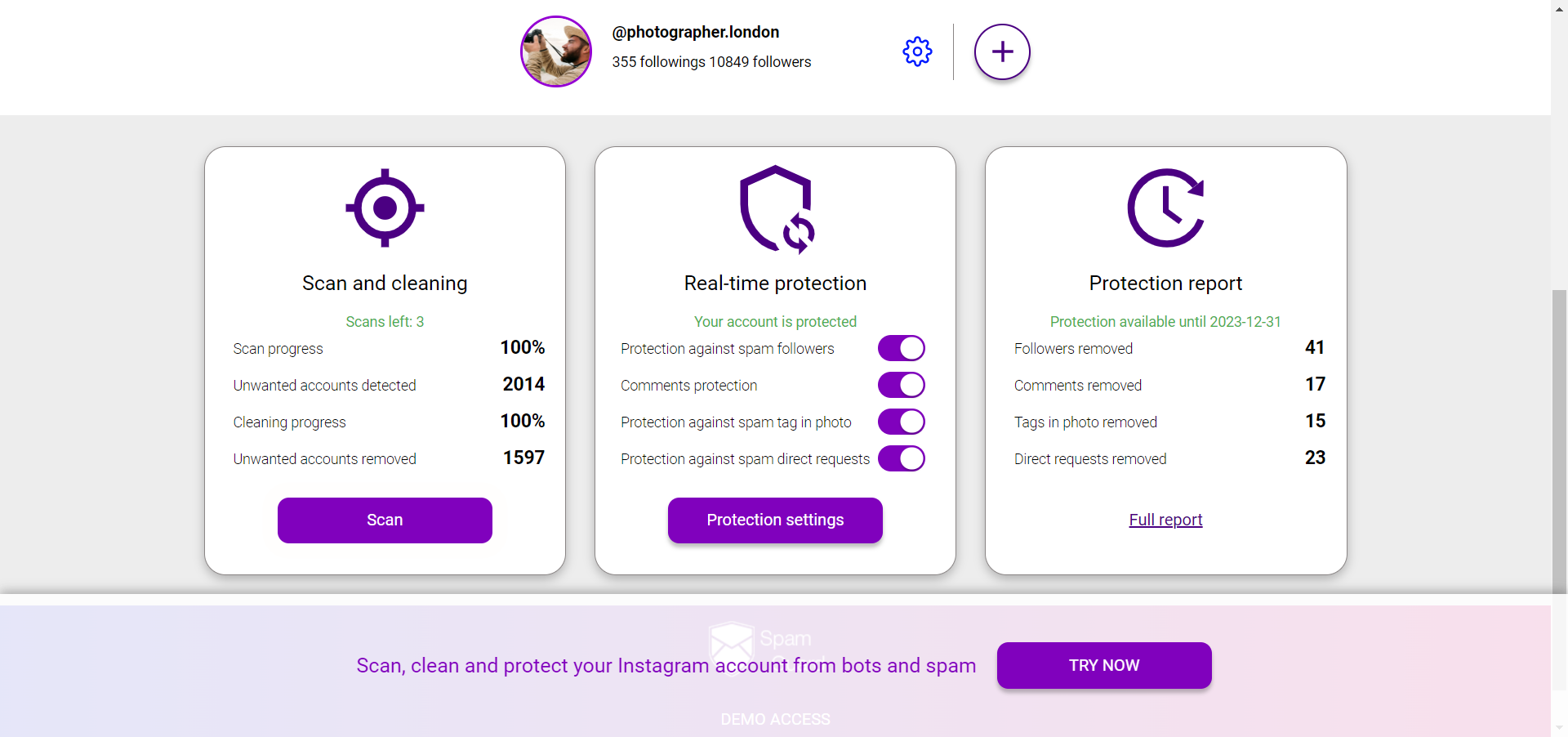
Before removing anyone, you need data. SpamGuard analyzes your follower list and categorizes accounts by type — identifying bots, commercial accounts, inactive profiles, and mass-followers. The audit gives you a percentage breakdown and a list of specific accounts in each category.
What to look for in the audit results:
Step 2: Decide What to Remove
Not every account in the "ghost" categories needs to be removed. Use this framework:
Definitely remove: confirmed bots, accounts with no posts and suspicious patterns, mass-follow accounts with 5,000+ following.
Consider removing: accounts inactive for 12+ months with no posts or activity.
Keep: real businesses that follow you (potential partners), accounts with low activity but genuine profiles (people who scroll without liking), recently inactive accounts (people take breaks from Instagram).
The goal isn't to remove everyone who doesn't engage — it's to remove accounts that are definitively non-human or permanently abandoned.
Step 3: Remove Ghost Followers
Instagram doesn't offer a bulk "remove follower" tool. Your options:
Manual removal: Go to your follower list → tap on an account → select "Remove Follower." The account isn't notified. This is the only method Instagram officially supports, but it's impractical at scale.
Using SpamGuard: SpamGuard automates the removal process — it identifies ghost followers from the audit and removes them in batches while respecting Instagram's rate limits to avoid triggering account restrictions. This is the practical approach for removing hundreds or thousands of ghost followers.
Important: always work within safe daily limits. Removing too many followers too quickly can trigger Instagram's spam detection systems. Gradual removal over several days is safer than bulk removal in a single session.
Step 4: What to Expect After Cleanup
Immediate effects: your follower count drops. This is expected and intentional. Don't be alarmed by the number — focus on the percentage metrics.
Effects over 2-4 weeks:
Step 5: Prevent Ghost Followers from Accumulating
Removal is a one-time fix; prevention is ongoing:
Run a follower audit every 3-4 months. Ghost followers accumulate naturally over time even without any specific action — bots follow accounts continuously, and real followers become inactive. Quarterly cleanup with SpamGuard keeps your audience quality stable and your algorithm signals healthy.