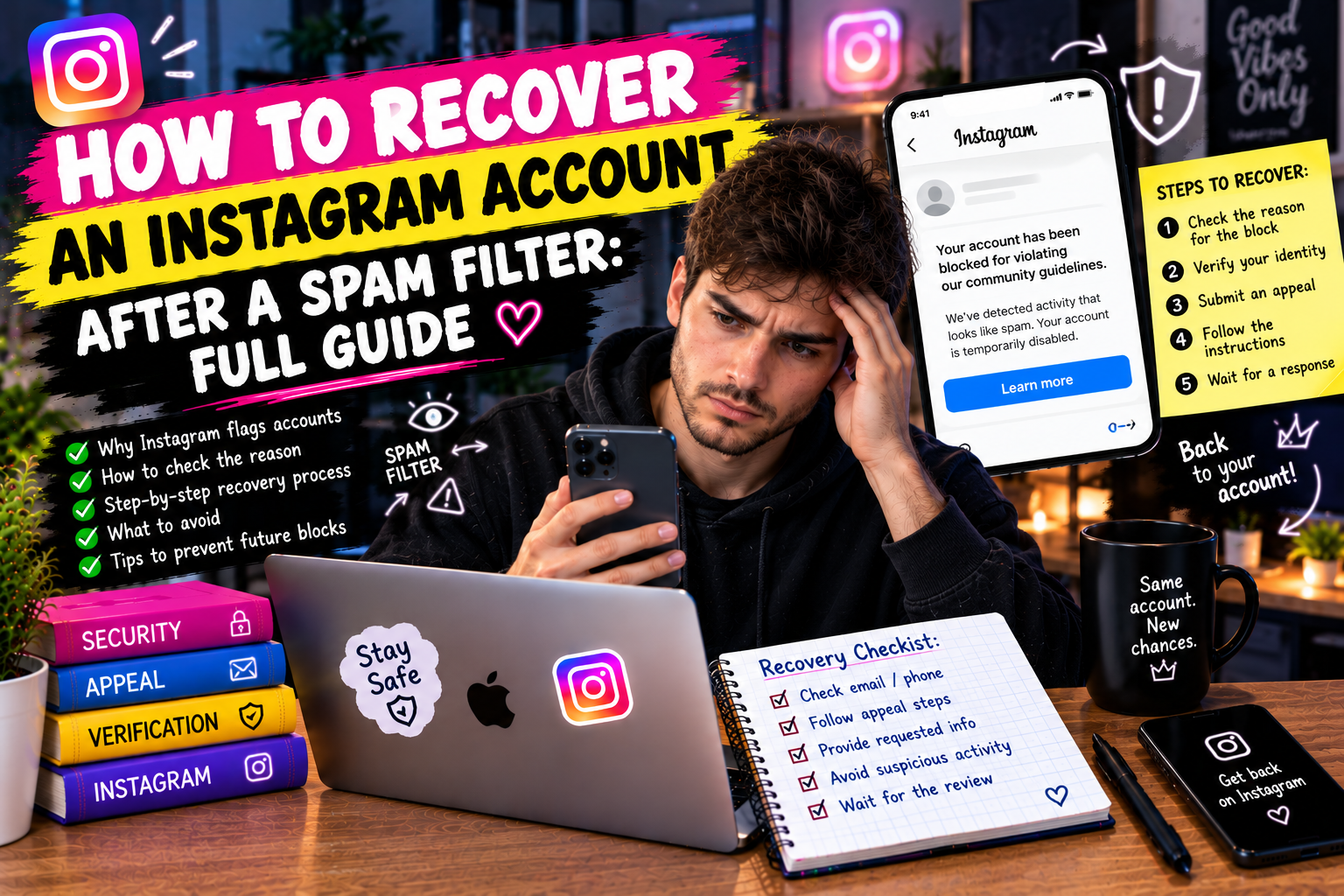
Getting caught in Instagram's spam filter is one of the most frustrating things that can happen to a creator or business account. Your reach drops off a cliff, new followers stop finding you, and no matter how much you post, the numbers just don't move. The good news: spam filter restrictions are almost always reversible. The bad news: most people make it worse by doing the wrong things in a panic. This guide walks through exactly what to do — and what to avoid — to recover your account as quickly as possible.
What "spam filter" actually means on Instagram
Instagram doesn't publish an official list of restrictions under the label "spam filter." The term is a catch-all used by creators to describe several different algorithmic mechanisms that reduce an account's visibility and distribution. Understanding which one you're dealing with is the first step to fixing it, because the solutions differ.
Shadow ban (reach restriction): Your content stops appearing in hashtag feeds, the Explore page, and recommendations. Existing followers still see your posts in their feed. New people can't find you. Instagram officially denies this exists as a named feature, but the effect is real and widely documented.
Hashtag ban: Specific posts are excluded from hashtag pages. This can affect individual posts or cascade across your account if you repeatedly use restricted hashtags. Check by searching a hashtag you used — if your post doesn't appear under "Recent" even minutes after posting, that hashtag may be restricted.
Action blocks: Temporary bans on specific actions — likes, follows, comments, DMs. Instagram shows a notification: "This action was blocked." Duration ranges from a few hours to several days. Attempting the blocked action again extends the block.
Content restriction: Individual posts are flagged as violating community guidelines or marked as "sensitive content" and excluded from recommendations. You may or may not receive a notification. Check each post's insights — posts excluded from recommendations show it explicitly.
Account-level restriction: Serious or repeated violations lead to restrictions at the account level — exclusion from the recommendation system for an extended period, sometimes months. This is the hardest to recover from and the rarest.
How to diagnose your situation
Before doing anything else, spend 15 minutes gathering actual data. Guessing at what's wrong leads to applying the wrong fix.
1. Open Instagram Insights for your last 10-15 posts. Look specifically at the breakdown of reach by source: Followers vs. Non-followers. A sharp drop in Non-follower reach while Follower reach stays stable is the clearest signal of a distribution restriction.
2. Check hashtag performance. In Insights, look at the "From hashtags" breakdown for recent posts. If it shows zero or near-zero even on posts where you used 10-20 hashtags, you have a hashtag-related restriction.
3. Ask someone who doesn't follow you to search for one of the hashtags you used recently and look for your post in the "Recent" tab. If it's not there within an hour of posting, that hashtag may be restricted.
4. Check each hashtag you've used in the last 30 days by opening it in Instagram search. Tap "Recent." If the Recent tab shows no posts or only old posts, the hashtag is restricted.
5. Look at your account's audience quality. A high proportion of fake or inactive followers artificially depresses your engagement rate, which in turn reduces algorithmic distribution. This is a structural problem that worsens over time.
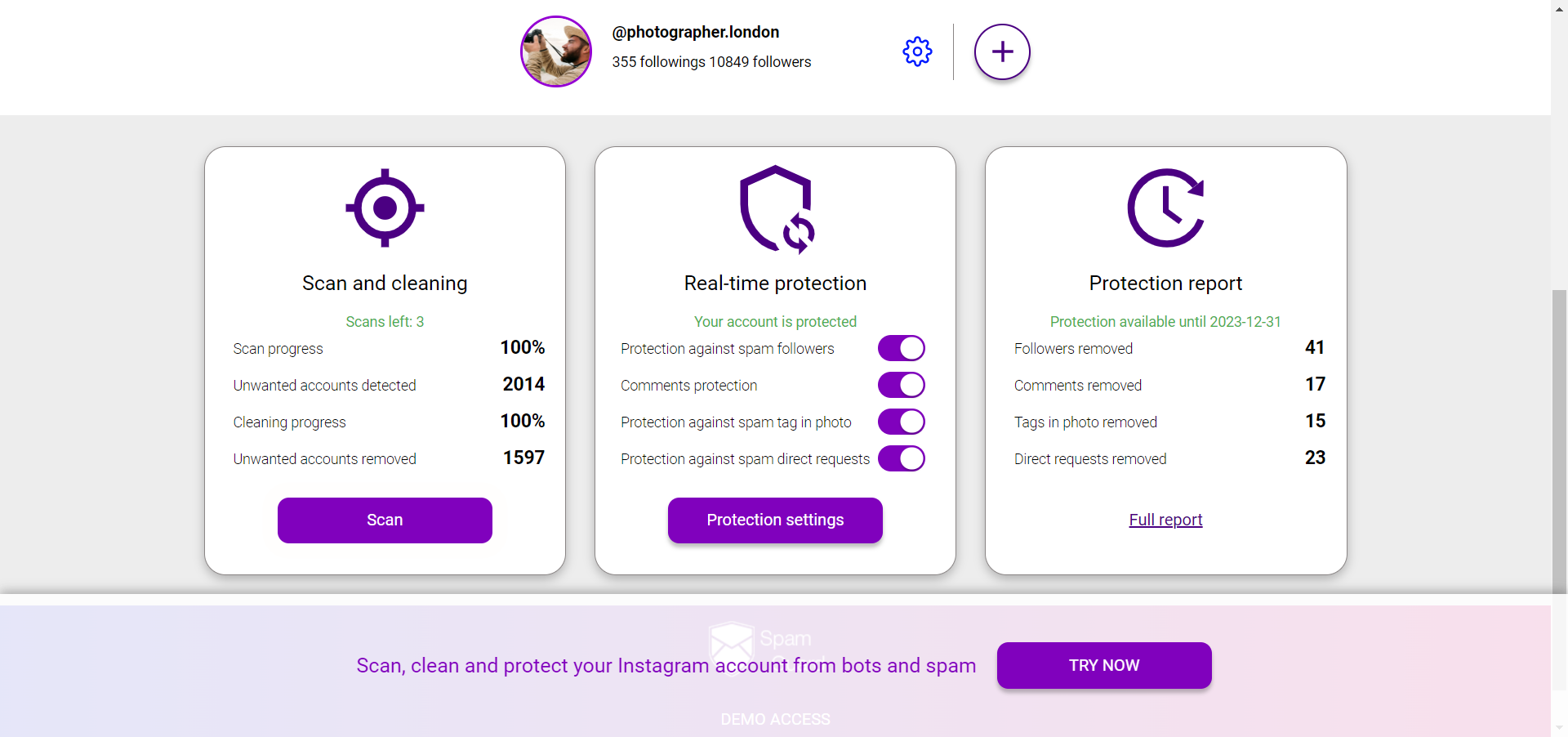
For the audience quality audit, SpamGuard provides a full breakdown — bots, inactive accounts, mass-followers, and commercial accounts — along with a recommendation on which ones are hurting your metrics. The audit takes a few minutes and gives you a clear picture of what percentage of your audience is actually real.
The most common causes
Knowing the cause matters because it determines both the fix and the timeline. The most common triggers for spam filter restrictions:
• Using restricted hashtags: Instagram quietly restricts hashtags associated with spam, adult content, or policy violations. Using even one restricted hashtag in a post can suppress that post's distribution. Using multiple restricted hashtags repeatedly can escalate to account-level restrictions.
• Sudden spikes in activity: Instagram's algorithms are sensitive to abnormal behavior. If your account typically does 20-30 actions per day and you suddenly do 300 in one evening — likes, follows, comments — that looks like bot behavior. The system may restrict you even if every action was legitimate.
• Using automation tools beyond safe limits: Third-party apps that automate follows, likes, or comments without proper rate limiting trigger anti-spam systems. This is one of the most common causes of action blocks and reach restrictions.
• High bot/fake follower ratio: Accounts with inflated follower counts and disproportionately low engagement are flagged algorithmically. If 30% of your followers are bots, Instagram's system sees your content as low-quality (since fake accounts don't engage), which reduces distribution.
• Repeated posting of flagged content types: Content that repeatedly gets reported, receives low engagement relative to reach, or matches patterns associated with low-quality content gets downgraded in the recommendation system.
• Mass unfollowing after mass following: The follow-unfollow pattern is one of the oldest spam tactics on Instagram, and the algorithm has long recognized it. Even if you're doing it slowly, a high ratio of follows followed quickly by unfollows is a red flag.
Step-by-step recovery protocol
The protocol depends on what you identified in the diagnosis. Here's the full sequence:
Step 1: Stop the behavior that triggered the restriction.
This sounds obvious but it's the step most people skip because they don't know what caused it. If you're not sure, stop all automated activity and reduce manual activity to very low levels — only posting, responding to comments, and sending individual DMs to people you know. Give it 48 hours before doing anything else.
Step 2: Audit and remove restricted hashtags.
Go through every post from the last 30 days. Check each hashtag. For any hashtag where the "Recent" tab shows no posts or shows only old ones, remove it from your posts. Edit the posts directly to remove the problematic tags. It takes time but it's necessary.
Build a clean replacement set of hashtags. Focus on niche hashtags with fewer than 300K posts — these have less competition and are far less likely to be restricted. Check every new hashtag before using it.
Step 3: Clean your audience.
Run a full audience audit through SpamGuard. Remove bots, fake accounts, and inactive followers (accounts that haven't been active in 12+ months). This step feels counterintuitive — removing followers reduces your count — but it's critical. Fake followers drag down your engagement rate, which directly suppresses your distribution in the algorithm. After cleaning, your ER will rise, and that signals to Instagram's system that your content is worth showing to more people.
Don't try to bulk-remove followers manually — it's tedious and risks triggering action blocks from rapid actions. Use a proper tool with rate limits built in.
Step 4: Two-week content recovery protocol.
For the next 14 days, focus all your content on formats that drive saves and meaningful comments. These are the two engagement signals that carry the most weight in Instagram's current algorithm:
• Carousels with checklist content — actionable takeaways people save for later
• Posts that end with a specific, answerable question to drive comments
• Stories with polls, questions, and sliders at least 3-4 times per week
• Respond to every comment within the first 2 hours — this signals engagement quality to the algorithm
Avoid: giveaways or anything that drives superficial engagement (like-and-follow mechanics). These inflate numbers without improving the quality signals that matter for recovery.
Step 5: Monitor the recovery.
Check your Insights every 3-4 days, specifically the Non-follower reach metric. Recovery is rarely linear — you'll often see improvement, then a small dip, then further improvement. A genuine recovery trend should be visible within 7-10 days if the root cause has been addressed.
If you see no improvement after 14 days of following this protocol exactly, the issue may be at the account level rather than post level. At that point, consider appealing directly to Instagram through the in-app support tools, which have improved significantly in recent versions.
What not to do during recovery
These are the most common mistakes people make when trying to recover from Instagram restrictions — and all of them make things worse:
• Posting more aggressively: More posts don't fix a distribution problem. If your posts aren't being distributed, posting more just means more posts that nobody sees. Focus on quality and engagement over volume during recovery.
• Running a giveaway to boost engagement: Giveaway engagement is low-quality engagement. Instagram's algorithm can identify when engagement comes from incentivized actions rather than genuine interest, and it discounts it accordingly.
• Switching to a business or creator account (or back to personal): This does not fix spam restrictions. The idea that changing account type removes restrictions is a persistent myth. It changes some features and metrics display, but not your algorithm standing.
• Deleting and reposting content: Deleting a post removes whatever engagement it had accumulated, which can actually hurt you. There's no evidence that reposting restricted content without the restricted hashtags helps — it's more effective to edit the existing post.
• Buying followers or engagement: This is the worst thing you can do during recovery. It will worsen your audience quality ratio and potentially escalate restrictions to the account level.
Timeline expectations
Recovery timelines vary based on severity:
• Hashtag ban (specific posts): 1-5 days after removing restricted hashtags and rebuilding with clean ones.
• Action block: 24 hours to 7 days depending on severity. Don't attempt the blocked action during this period.
• Reach restriction / shadow ban: 2-4 weeks with consistent application of the recovery protocol.
• Account-level restriction: 4-12 weeks, sometimes requiring direct appeal to Instagram. Rare but possible.
The single most important variable in recovery speed is whether you've correctly identified and stopped the behavior that caused the restriction. If the root cause is still active, the restriction will continue regardless of what else you do.
Prevention going forward
The best approach to spam filters is never triggering them. After recovery, build habits that keep you in the clear: audit your audience quarterly with SpamGuard to prevent bot accumulation; always check new hashtags before using them; keep automated activity (if you use any) within safe daily limits with proper rate limiting; maintain consistent posting frequency rather than irregular bursts; and monitor your Non-follower reach metric regularly as an early warning signal — a sustained drop is worth investigating before it becomes a full restriction.