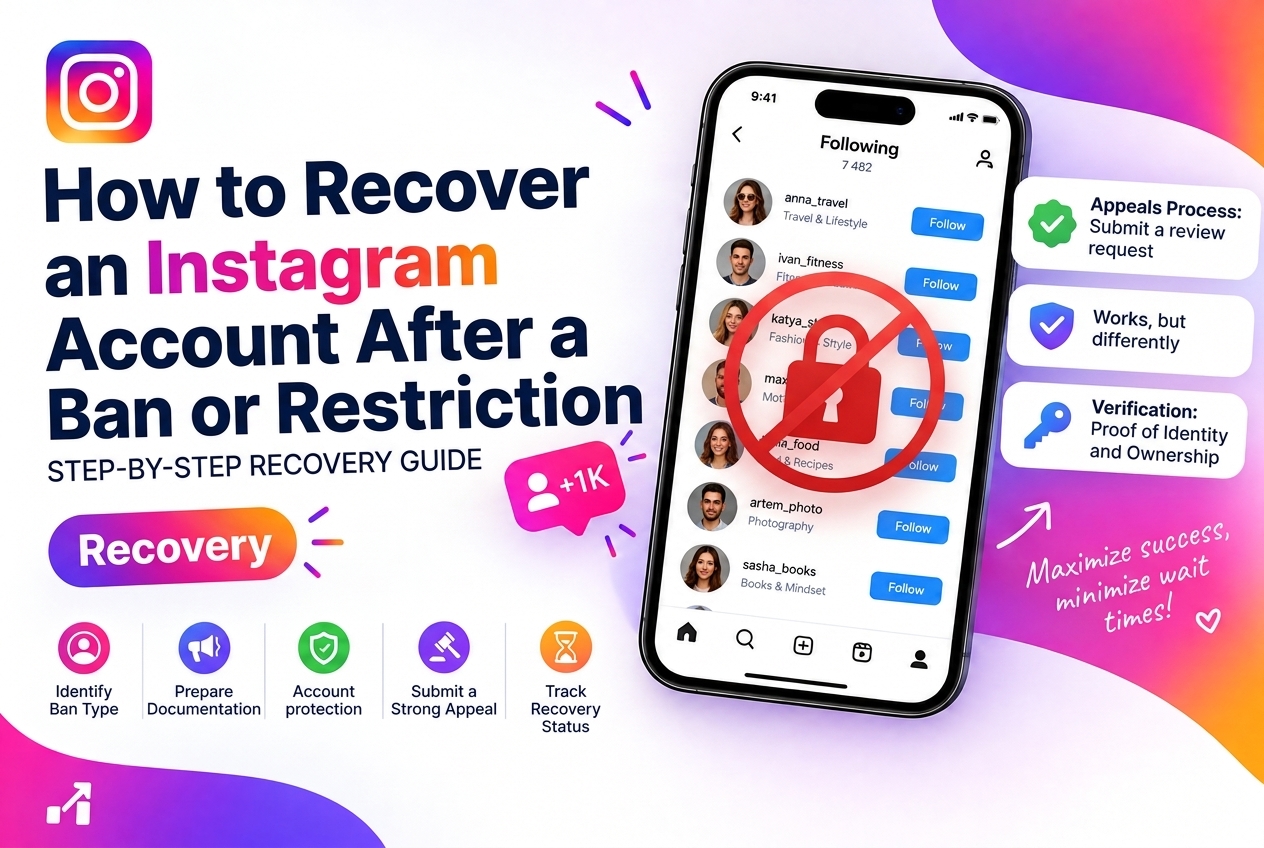
Instagram applies several types of restrictions to accounts that violate its policies — from temporary action blocks on specific features to full account suspension. The recovery process differs depending on which type of restriction you are facing. This guide covers each type and the specific steps that give you the best chance of recovery.
Types of Restrictions and What They Mean
Action Block
The most common restriction. Instagram temporarily prevents you from performing specific actions: liking, following, commenting, or sending DMs. The block is usually tied to a behavior pattern that triggered Instagram's automation detection — moving too fast, repeating identical actions, or exceeding rate limits.
Duration: 24-72 hours for a first offense. Repeated blocks escalate in duration (up to 2 weeks). A persistent action block that does not lift after 72 hours may require a formal appeal.
Shadowban
Your account remains active and visible to your followers, but your content stops appearing in hashtag feeds, the Explore page, or Reels distribution. This is not an official Instagram term — but the behavioral pattern is well-documented: posts reach only existing followers and no new audience.
Cause: usually triggered by spammy hashtag use, sudden spikes in activity, or content that borders on policy violations without technically crossing them.
Account Disabled
Instagram has suspended your account for a policy violation. You see a screen saying "Your Account Has Been Disabled" when attempting to log in. This is a serious restriction that requires formal appeal.
Account Locked / Suspicious Activity
Instagram detected a login from an unusual location or device and locked the account for security purposes. This is protective, not punitive — it is resolved through identity verification.
Recovering from an Action Block
If the block does not lift after 72 hours: go to Settings → Help → Report a Problem → Something Isn't Working. Describe the specific action that is blocked. This does not guarantee immediate resolution but creates a support ticket.
Recovering from a Shadowban
The shadowban typically resolves on its own within 7-14 days if you stop the behavior that caused it. Actions to take:
How to check if you are shadowbanned: post with a unique niche hashtag that no one else uses. Check the hashtag page from a different account that does not follow you. If your post does not appear — you are shadowbanned.
Recovering a Disabled Account
This is the most serious case and requires a formal appeal:
Important: you may need to submit multiple appeals. The first automated response is often a rejection — escalate by replying to the email or submitting a second appeal. If you used third-party tools that violated Terms of Service, stop using them before appealing — Instagram can see your account history.
What Causes Bans: The Root Issues
Most Instagram restrictions stem from one of these causes:
Prevention: Why Audience Quality Matters
Accounts with high concentrations of bot followers or inactive accounts are at higher risk of algorithmic scrutiny. When a large percentage of your audience never engages, Instagram may flag your account as inflating metrics — even if you did not buy followers deliberately (some come from old follow-back campaigns or organic bot follows).
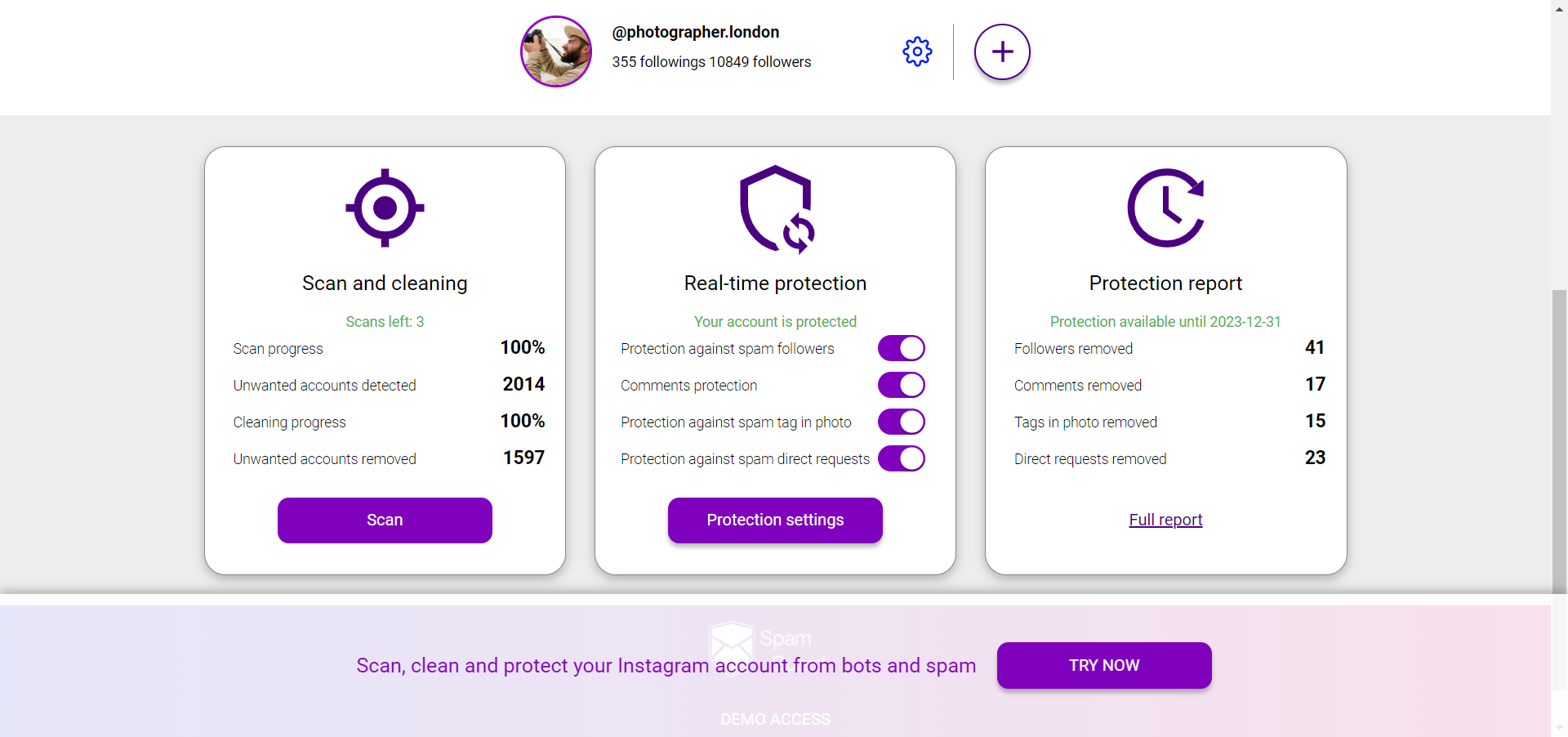
Regular audience audits remove inactive and bot accounts before they become a liability. Audit your Instagram audience — SpamGuard
After Recovery: Rebuilding Safely
Keep your account protected from bot followers and audit risk — SpamGuard