

Introduction
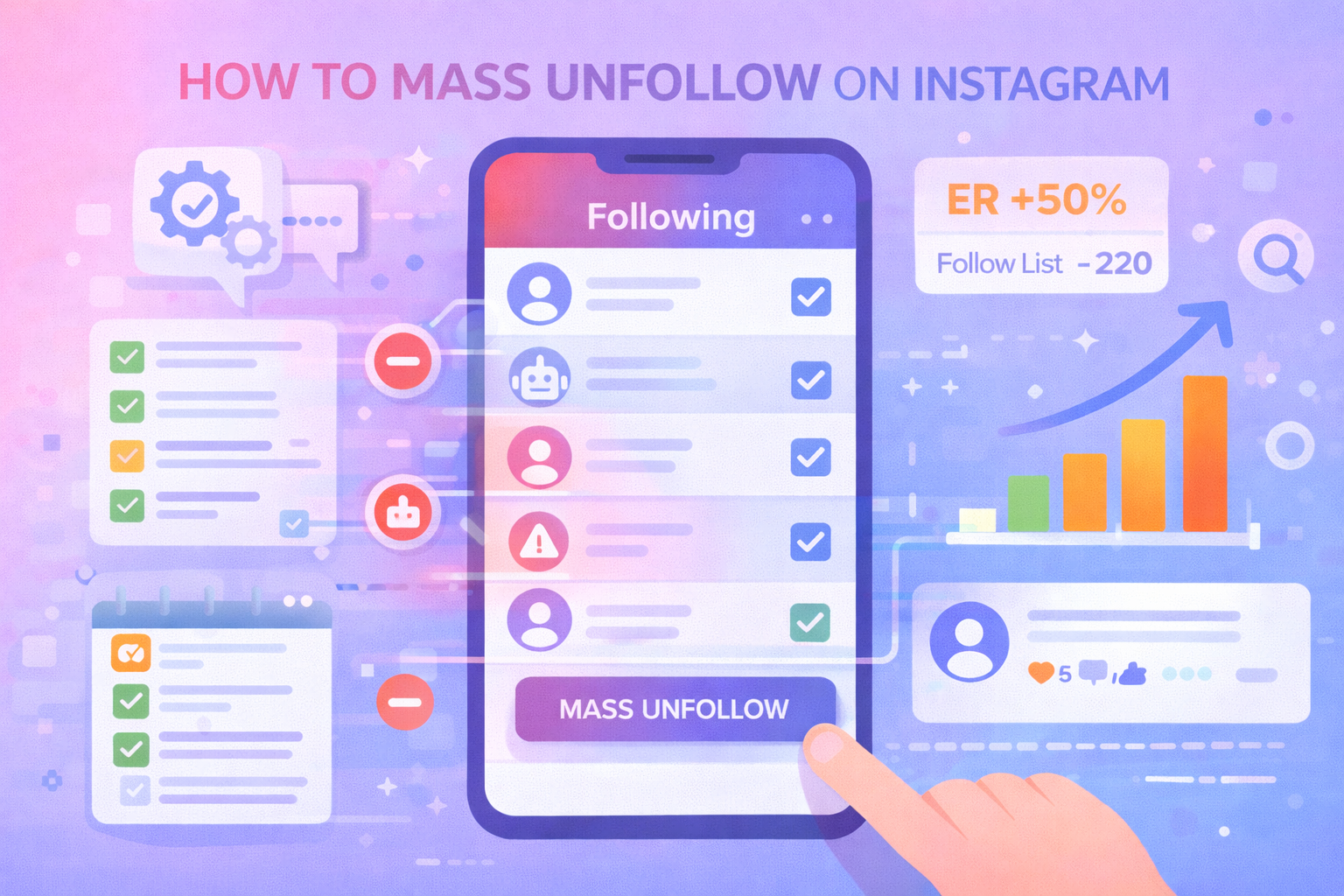
Mass unfollowing on Instagram can be a useful strategy to clean up your following list, reset engagement signals, and stop interacting with low-quality or irrelevant accounts. However, doing it the wrong way can lead to action blocks, shadowbans, or even account suspension.
In this guide, we’ll explain how mass unfollow works, Instagram limits you must respect, common mistakes to avoid, and how SpamGuard helps you clean your audience and protect your account without triggering penalties.
What Is Mass Unfollow on Instagram?
Mass unfollow means removing multiple accounts you follow within a short time frame. People use it to:
remove inactive or irrelevant accounts
undo follow-for-follow strategies
clean bot-heavy following lists
improve feed relevance
Unlike removing followers, mass unfollow affects who you follow, not who follows you — but it still triggers Instagram’s anti-spam systems.
Why Mass Unfollow Can Be Risky
1. Instagram Action Limits
Instagram monitors:
unfollow frequency
patterns and automation
sudden behavior changes
Exceeding limits can trigger restrictions.
2. Automation Detection
Using unsafe third-party tools can result in bans.
3. Account Trust Signals
Aggressive unfollowing looks spammy to the algorithm.
Instagram Mass Unfollow Limits (General Guidelines)
⚠️ Limits vary by account age and trust level.
| Account Type | Safe Unfollow Range |
|---|---|
| New accounts | 50–100 per day |
| Aged accounts | 150–300 per day |
| Verified / trusted | Up to 400/day (cautiously) |
Going beyond these limits is risky.
How to Mass Unfollow on Instagram Safely
1. Manual Unfollow (Safest, Slowest)
Unfollow users one by one through the app.
Pros:
✔ Safe
✔ No automation risk
Cons:
✘ Extremely time-consuming
2. Third-Party Automation Tools (High Risk)
Many tools promise fast mass unfollow but:
violate Instagram policies
use aggressive automation
cause action blocks
⚠️ Not recommended.
3. Smart Cleanup Strategy with SpamGuard
SpamGuard focuses on cleaning followers, not aggressive unfollow automation — which is safer and more effective long-term.
Instead of mass unfollowing randomly:
remove bots and fake followers
clean inactive accounts
protect engagement quality
This improves your feed and metrics without unfollow abuse.
Why Removing Followers Is Better Than Mass Unfollow
| Strategy | Risk Level | Impact on ER |
|---|---|---|
| Mass unfollow | Medium–High | Neutral |
| Remove fake followers | Low | Positive |
| Remove inactive users | Low | Positive |
| Bot cleanup | Low | Strongly positive |
SpamGuard helps you remove the problem, not just unfollow it.
How SpamGuard Supports Safe Account Cleanup
SpamGuard Benefits
✔ Detects bots, fake & inactive followers
✔ Safe bulk removal in staged batches
✔ Respects Instagram action limits
✔ No risky automation
✔ Improves engagement & reach
✔ Protects account trust
Instead of risking unfollow limits, you clean your audience intelligently.
Step-by-Step: Safe Cleanup with SpamGuard
Step 1 — Analyze Your Account
Low engagement often stems from a high percentage of "ghost" accounts. Run a quick diagnostic through this Instagram fake followers checker to see your real authenticity score and find out how to improve your engagement rate.
AI-based follower audit.
Step 2 — Identify Low-Quality Accounts
Bots, inactive users, promo profiles.
Step 3 — Preview & Whitelist
Protect important or real followers.
Step 4 — Start Staged Cleanup
Gradual removals within safe limits.
Step 5 — Monitor Results
Engagement and reach improve without blocks.
Key Takeaways
Mass unfollowing can trigger penalties
Instagram monitors unfollow behavior
Unsafe tools increase ban risk
Cleaning followers is safer than unfollowing
SpamGuard removes bots & inactive users safely
Smart cleanup improves long-term growth
FAQ
1. Is mass unfollowing against Instagram rules?
Not directly, but aggressive behavior can trigger restrictions.
2. How many accounts can I unfollow per day?
Typically 150–300, depending on account age.
3. Can mass unfollow reduce engagement?
Yes, if done randomly or aggressively.
4. Is removing followers safer than unfollowing?
Yes — especially when removing bots and fake accounts.
5. Does SpamGuard mass unfollow accounts?
No — it removes low-quality followers safely.
6. Will engagement improve after cleanup?
Yes — ER and reach usually increase.
Conclusion
Mass unfollow on Instagram is risky when done incorrectly. While it may clean your feed, it doesn’t fix the real problem — low-quality followers.
SpamGuard offers a smarter, safer alternative by removing bots, fake, and inactive followers, protecting your account while restoring real engagement and organic reach.
