

Introduction
Deleting followers on Instagram can feel counterintuitive. Why remove people who follow you?
Because not all followers are equal.
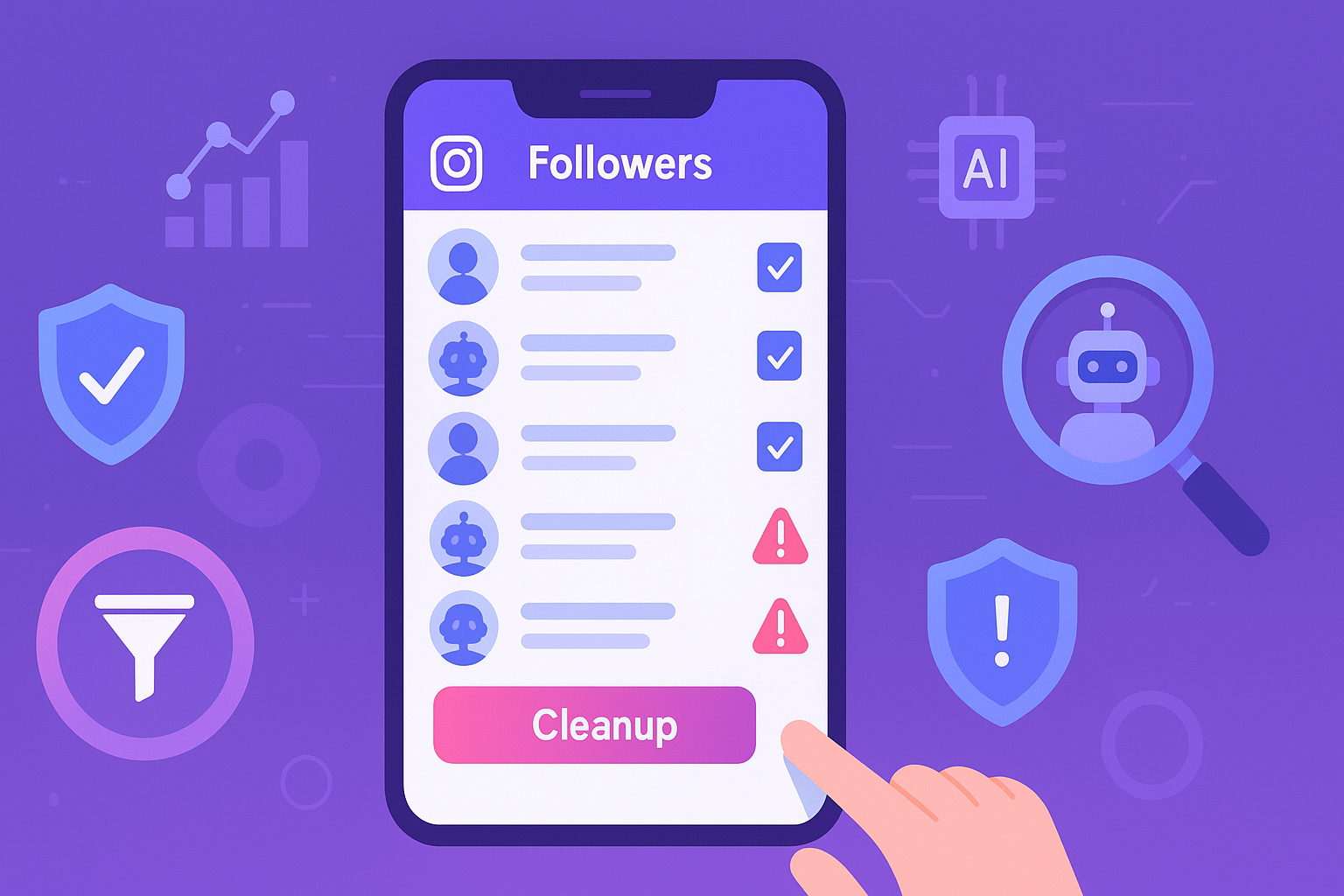
Fake accounts, bots, inactive users, and spam profiles inflate your numbers while silently damaging your engagement rate (ER), reach, and analytics. If your account growth has stalled or your engagement keeps dropping, cleaning your followers might be the smartest move you can make.
In this guide, you’ll learn how to delete followers on Instagram safely, when you should do it, and how SpamGuard helps you remove low-quality followers without risking action blocks.
Can You Delete Followers on Instagram?
Yes.
Instagram allows you to remove followers without notifying them.
To delete a follower manually:
Go to your profile
Tap Followers
Tap Remove next to a user
The removed user:
won’t receive a notification
will no longer follow you
can follow you again (unless blocked)
Why You Should Delete Certain Followers
1. Improve Engagement Rate
Inactive and fake followers lower ER because they don’t interact.
2. Boost Organic Reach
Instagram prioritizes content with strong early engagement signals.
3. Clean Analytics
Removing bots gives you accurate data about real audience behavior.
4. Increase Conversion Potential
Real followers are more likely to buy, click, or engage.
Which Followers Should You Delete?
You should consider removing:
bot accounts
fake profiles
promotional accounts
inactive users
ghost followers
suspicious or spam accounts
Deleting real engaged followers is never recommended.
Risks of Deleting Followers Too Fast
Instagram monitors account activity patterns.
Deleting too many followers at once can cause:
temporary action blocks
activity restrictions
account review flags
Safe removal requires:
gradual actions
respecting daily limits
avoiding aggressive automation
How Many Followers Can You Delete Per Day?
Safe ranges vary:
| Account Age | Safe Daily Removal |
|---|---|
| New accounts | 50–100 |
| Aged accounts | 100–250 |
| Highly trusted accounts | Up to 300 |
Going beyond this increases risk.
Manual Deletion vs Smart Bulk Removal
Manual Removal
✔ Safe
✘ Extremely slow
✘ No spam detection
✘ Not scalable
For accounts with thousands of followers, manual deletion is unrealistic.
How SpamGuard Helps You Delete Followers Safely
SpamGuard is designed for intelligent follower cleanup.
Instead of guessing, it uses AI to identify:
bots
fake accounts
inactive users
low-engagement profiles
SpamGuard Features
✔ AI-powered follower audit
✔ Risk scoring system
✔ Safe bulk removal in staged batches
✔ Instagram limit compliance
✔ Whitelist protection for real users
✔ Real-time protection against new spam
This allows you to delete followers safely at scale.
Step-by-Step: Delete Followers with SpamGuard
Step 1 — Connect Your Instagram Account
Secure cloud-based access.
Step 2 — Run AI Analysis
SpamGuard scans your followers and assigns risk scores.
Step 3 — Review & Filter
Select categories (bots, inactive, promotional).
Step 4 — Start Safe Cleanup
Gradual removal prevents action blocks.
Step 5 — Monitor Engagement Growth
ER and reach typically improve within days.
Before vs After Deleting Low-Quality Followers
| Metric | Before | After |
|---|---|---|
| Engagement Rate | Low | Higher |
| Reach | Declining | Improved |
| Analytics | Distorted | Accurate |
| Conversion | Weak | Stronger |
| Account Trust | Risky | Healthy |
Key Takeaways
You can delete followers without notifying them
Removing bots and inactive accounts improves engagement
Deleting too many at once can trigger limits
Manual removal is not scalable
SpamGuard ensures safe bulk deletion
Clean accounts grow faster
FAQ
1. Will someone know if I delete them as a follower?
No — Instagram does not notify users.
2. Can deleting followers hurt my account?
Only if done aggressively. Gradual removal is safe.
3. Should I block instead of delete?
Block only if necessary. Deleting is usually sufficient.
4. Will my follower count drop?
Yes, but engagement and reach improve.
5. Can SpamGuard delete thousands of followers?
Yes — using safe staged removal.
6. Is cleaning followers worth it?
Absolutely — it restores real growth signals.
Conclusion
Deleting followers on Instagram isn’t about shrinking your audience — it’s about improving quality. Bots and inactive accounts drag down engagement and distort analytics, while real followers drive growth.
SpamGuard gives you a professional, AI-powered way to delete low-quality followers safely, restore healthy metrics, and protect your account long term.
