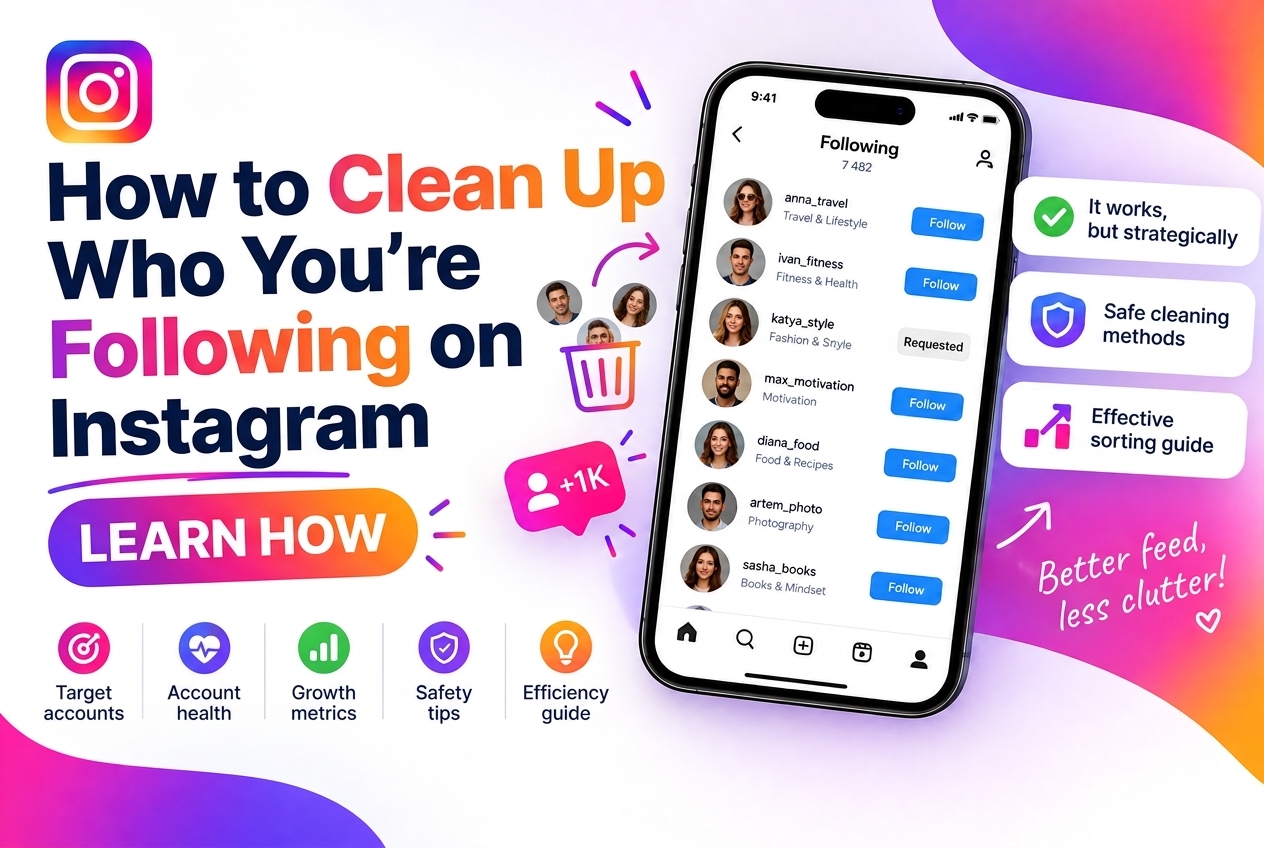
Over time, Instagram following lists accumulate noise: accounts you followed years ago and forgot about, brands that stopped posting, bots you accidentally followed, and people who haven't posted in over a year. This dead weight affects more than just the tidiness of your feed — it affects how Instagram's algorithm perceives your account and how your engagement metrics look.
This guide walks through why your following list matters, how to audit it, and the most practical approaches to cleaning it up.
Why Your Following List Matters
Your following-to-follower ratio is one of the first things people check when evaluating an account's credibility. An account following 3,000 people with 800 followers reads as a mass-follow spam account, even if it isn't one. Cleaning your following list improves this ratio and the overall impression your profile makes.
Beyond optics, following too many accounts — especially inactive or low-quality ones — dilutes your own feed. If you follow 2,000 accounts, Instagram's algorithm has to decide which posts to show you. The signal-to-noise ratio drops, and you end up seeing less of the content you actually care about.
There's also a reciprocity dynamic in Instagram's ecosystem: many accounts that you followed months ago and who followed back will eventually unfollow you if they don't see engagement from your account. Following them while they've already unfollowed you creates a lopsided ratio without any corresponding benefit.
Step 1: Find Accounts That Don't Follow You Back
The most obvious cleanup target: accounts you follow that don't follow you back. Instagram doesn't have a built-in tool for this comparison — you'd have to manually cross-reference two lists.
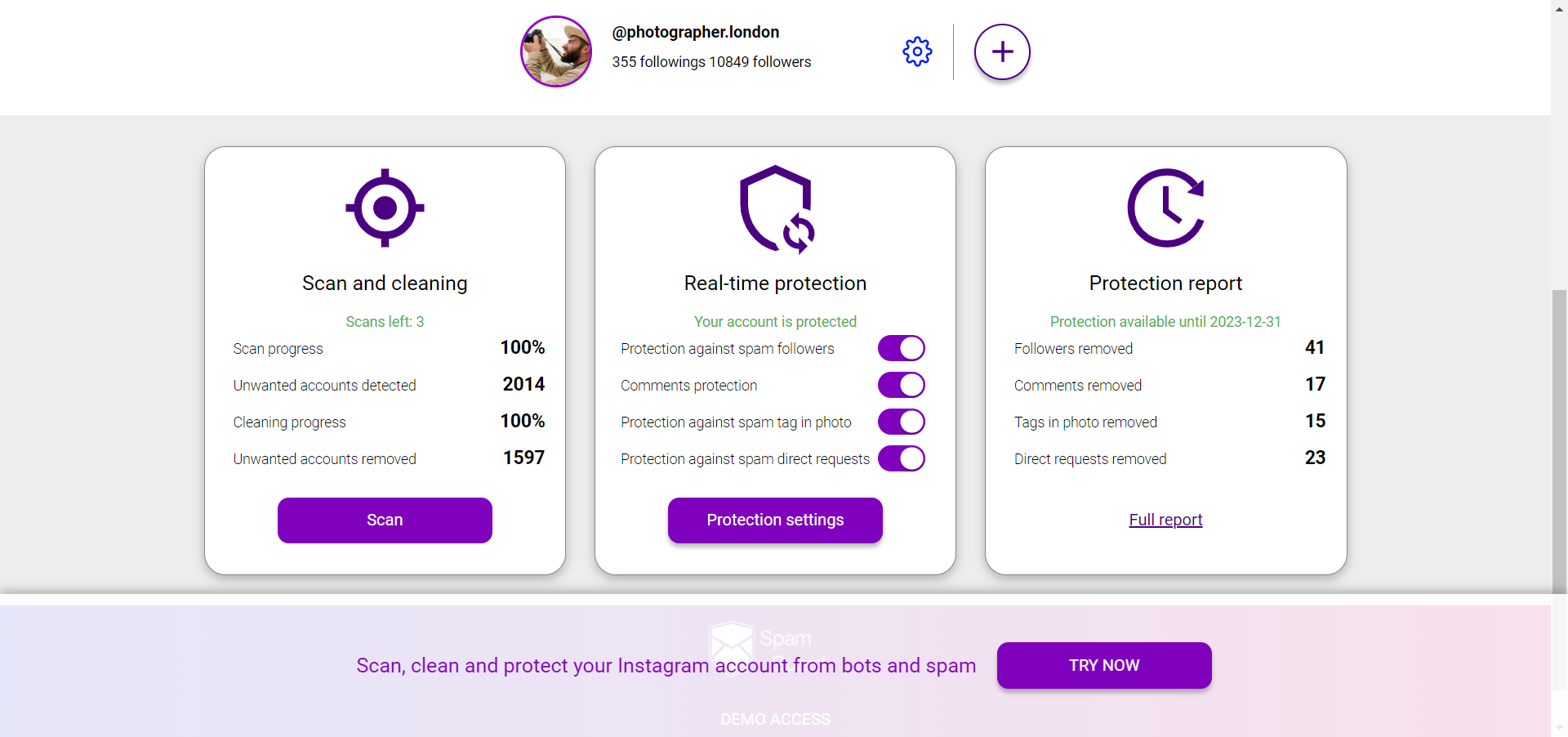
SpamGuard's following analysis identifies accounts that don't follow you back, allowing you to review them and decide which to unfollow. This is the starting point for most following list cleanups: it surfaces the asymmetric relationships that might be worth removing.
Important nuance: not all non-mutual follows are worth removing. You might genuinely want to follow news accounts, brands, or celebrities without expecting a follow-back. The question is whether you're getting value from following them — if the account posts content you actually read, that's a good follow regardless of reciprocity.
Step 2: Identify Inactive Accounts
Accounts that haven't posted in 6 months or more are worth unfollowing regardless of whether they follow you back. They're not producing content, so following them gives you nothing. If they come back and post, you can always re-follow.
Signs of inactivity:
Step 3: Remove Bots and Suspicious Accounts
Some accounts you're following may have been real at the time you followed them but have since been taken over by bots or turned into spam accounts. Look for:
The Manual Unfollow Process
Instagram allows unfollowing through the app in a few ways:
From the Following list
Go to your profile → Following → tap "Following" next to any account → confirm Unfollow. Slow and manual, but fine for small cleanups.
From individual profiles
Visit the profile → tap "Following" → Unfollow. Works well when you've identified specific accounts to remove.
Important rate limit
Instagram doesn't publicly state an unfollow limit, but aggressive unfollowing (100+ per hour) triggers temporary action blocks. Safe practice: unfollow in batches of 30-50 with breaks in between, spread across the day. Accounts older than a year can typically handle more; newer accounts should be more conservative.
Automated Cleanup: Risks and Considerations
Third-party tools that automate mass unfollowing exist, but they carry real risks. Instagram actively monitors for non-human patterns in unfollow actions — consistent timing, unusually high volume, unfollowing in alphabetical order (a sign of a script running through a sorted list).
If you use an automation tool for unfollowing, choose one that mimics human behavior: random intervals, lower daily limits, activity during normal hours only. SpamGuard focuses on identifying the accounts to clean up rather than mass-automating the unfollowing itself, which keeps your account on safer ground.
Maintaining a Clean Following List Going Forward
The goal isn't just a one-time cleanup — it's building habits that keep the list manageable: